summer 2026 · ages 9–16
AI Creator From Idea → to Startup
A 12-lesson studio where kids aged 9–16 develop a "creator mindset" through professional AI tools. They build real projects and ship a deployed product.


A 12-lesson studio where kids aged 9–16 develop a "creator mindset" through professional AI tools. They build real projects and ship a deployed product.
We don't teach prompts. We guide every student through the full lifecycle of a real project. The way professional creators work.
Empower students to think as architects of their own ideas. We guide them through the full development lifecycle. From initial spark to a live AI-powered web platform.
Deep search a real problem worth solving. Frame it as a product. Sketch the experience.
Create a brand with Leonardo AI. Build a website with Lovable or Webflow. Research with Perplexity.
Deploy a live AI-powered web product. Publish on Lovable, GitHub Pages or Google Firebase. Share it. Be a founder.
Four hands-on tracks — students create, build, generate and play their way through the modern AI toolkit.
Build the visual DNA of an idea. Logos, palettes, hero imagery and promo clips. Generated and curated into a real brand system.
Design real screens, wire flows, and ship live websites and landing pages with modern AI site builders.
Generate cinematic video, motion and immersive 3D worlds. Turn ideas into moving, explorable scenes.
Bring it to life. Build playable games, physics and AI characters that react, talk and move.
Every lesson ships something real — a brand, a game, a film, a live website. Tap any lesson to see what a kid builds and the tools they use.


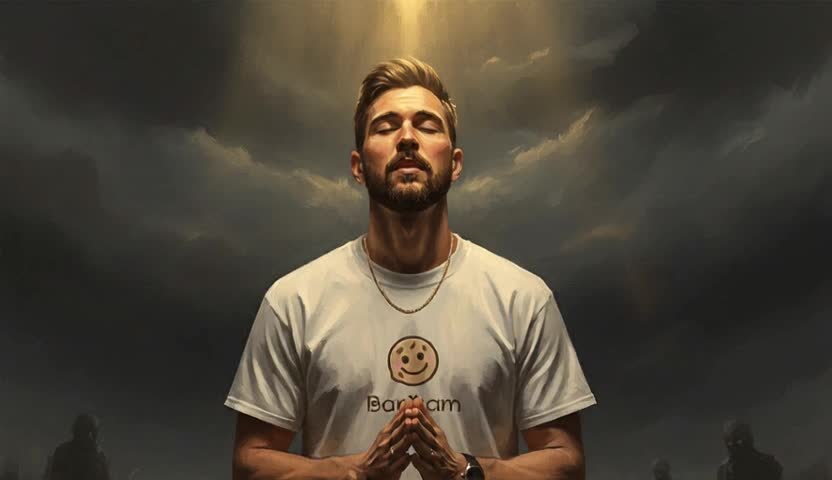
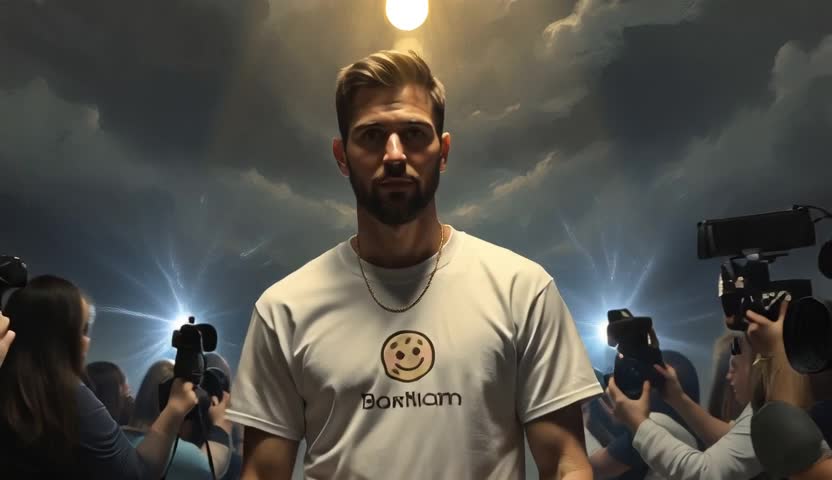


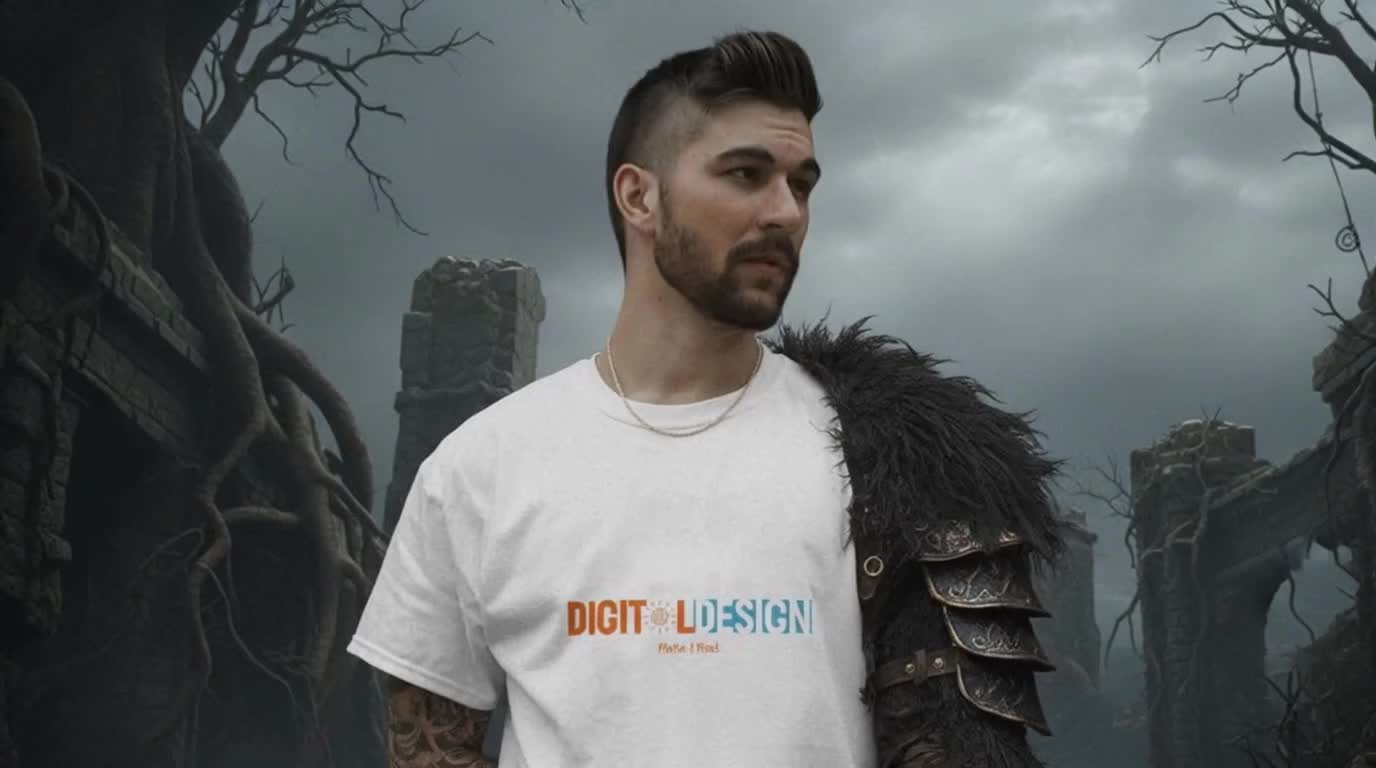
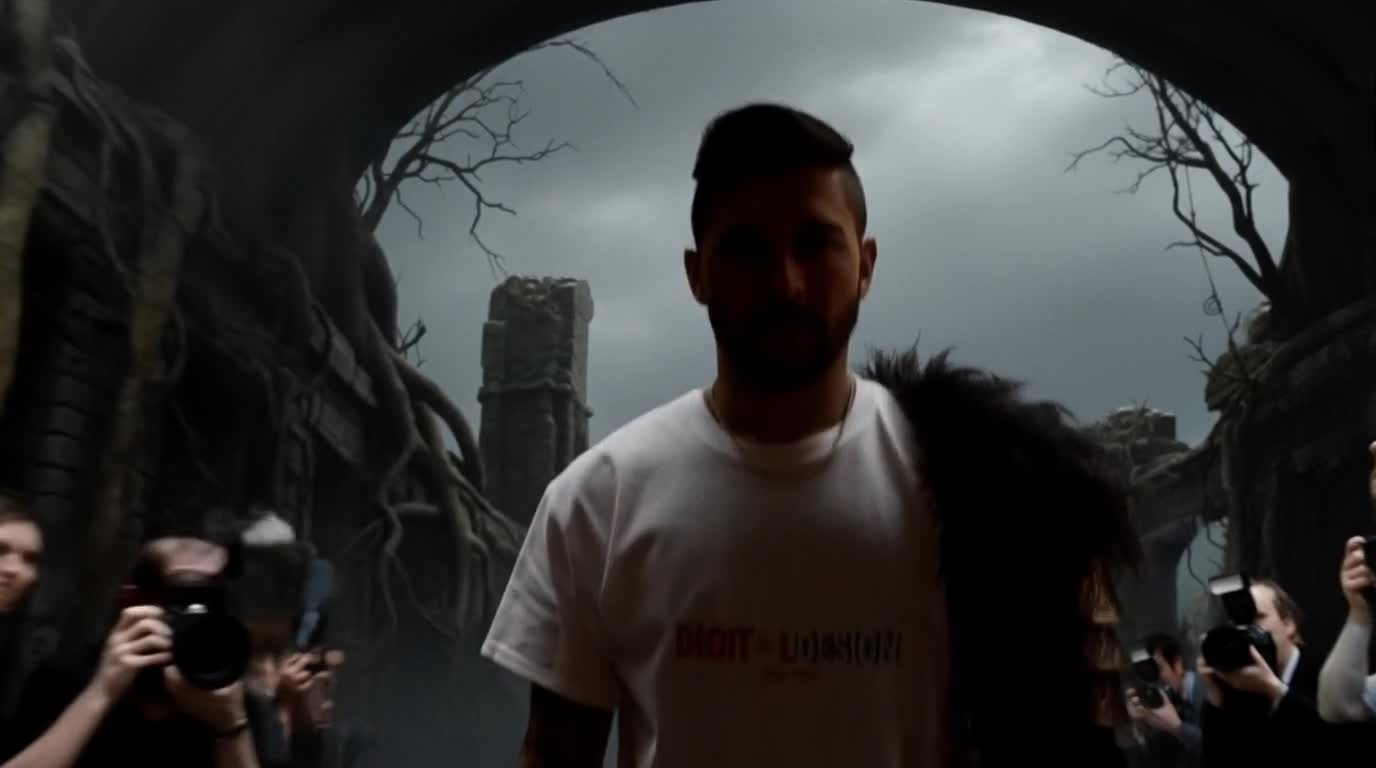
Logo, AI model on a T-shirt, and a promo video.
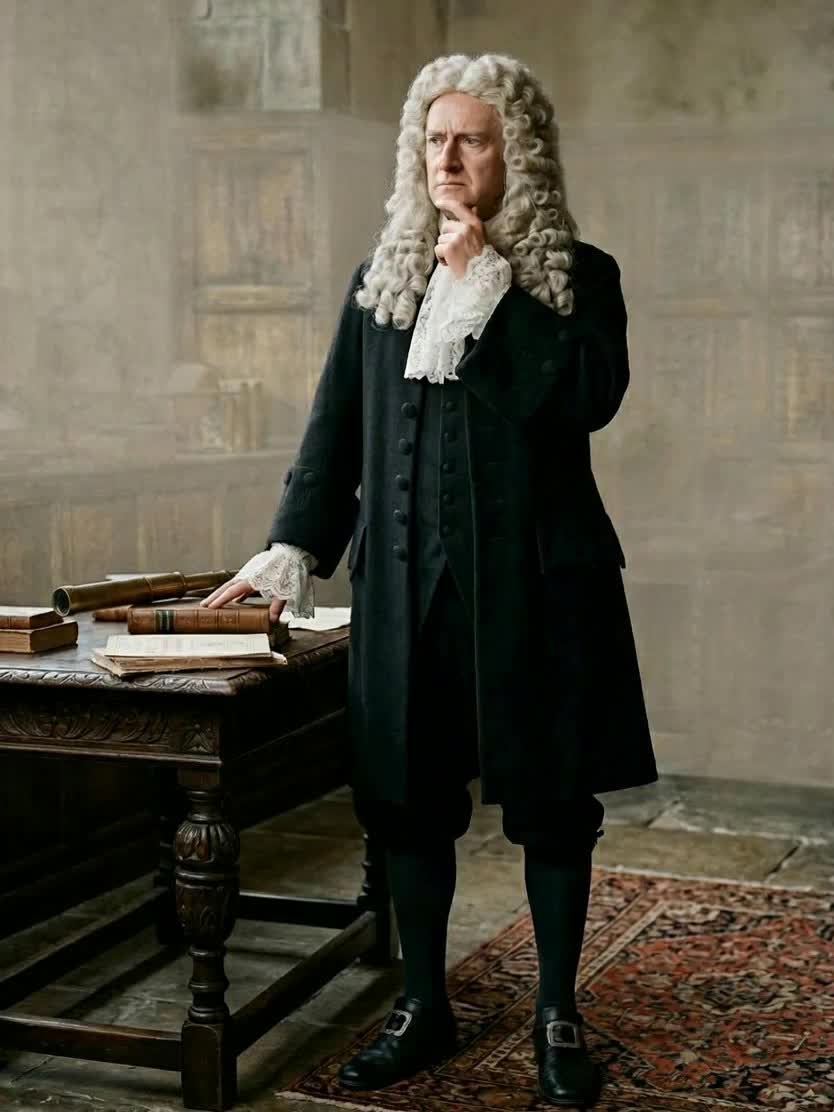
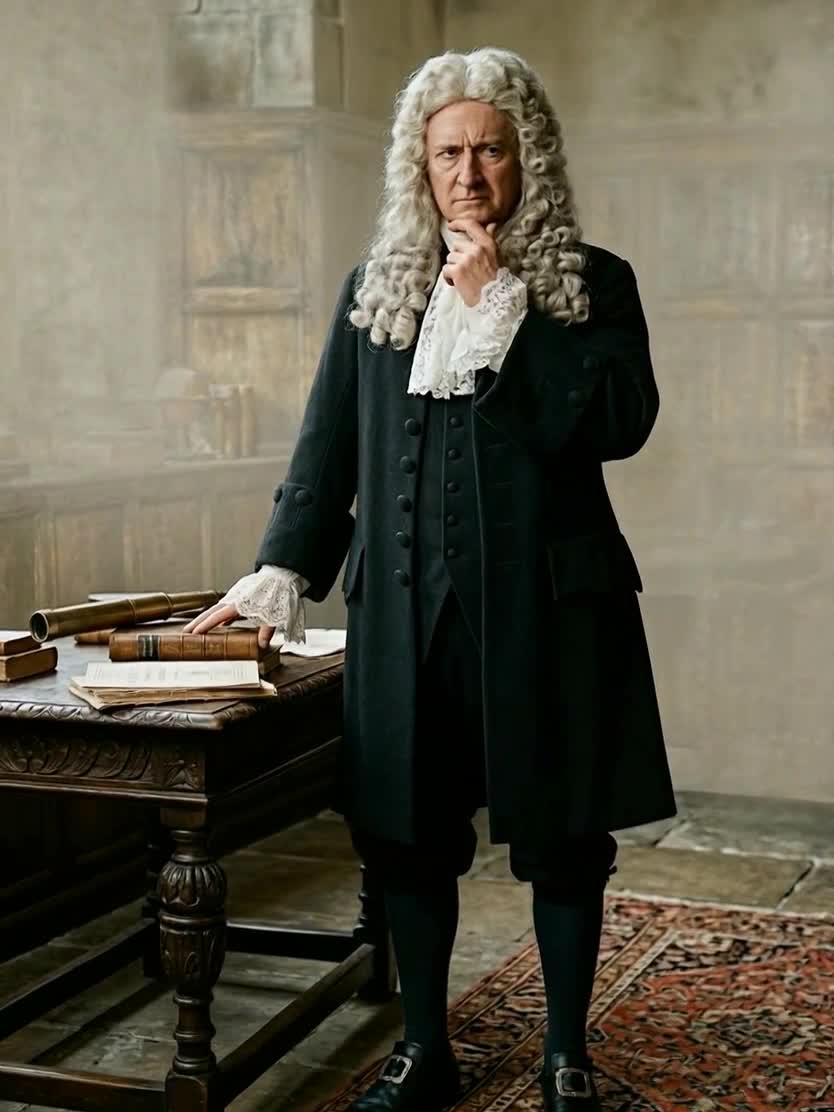


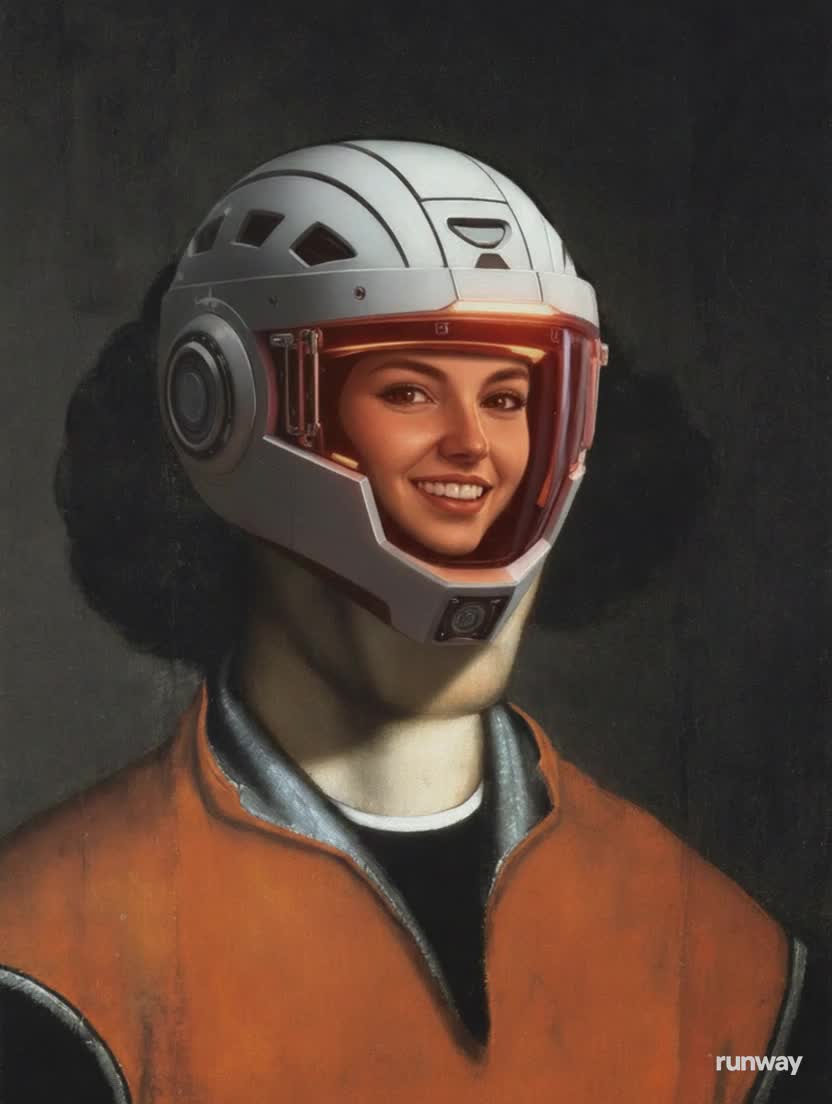
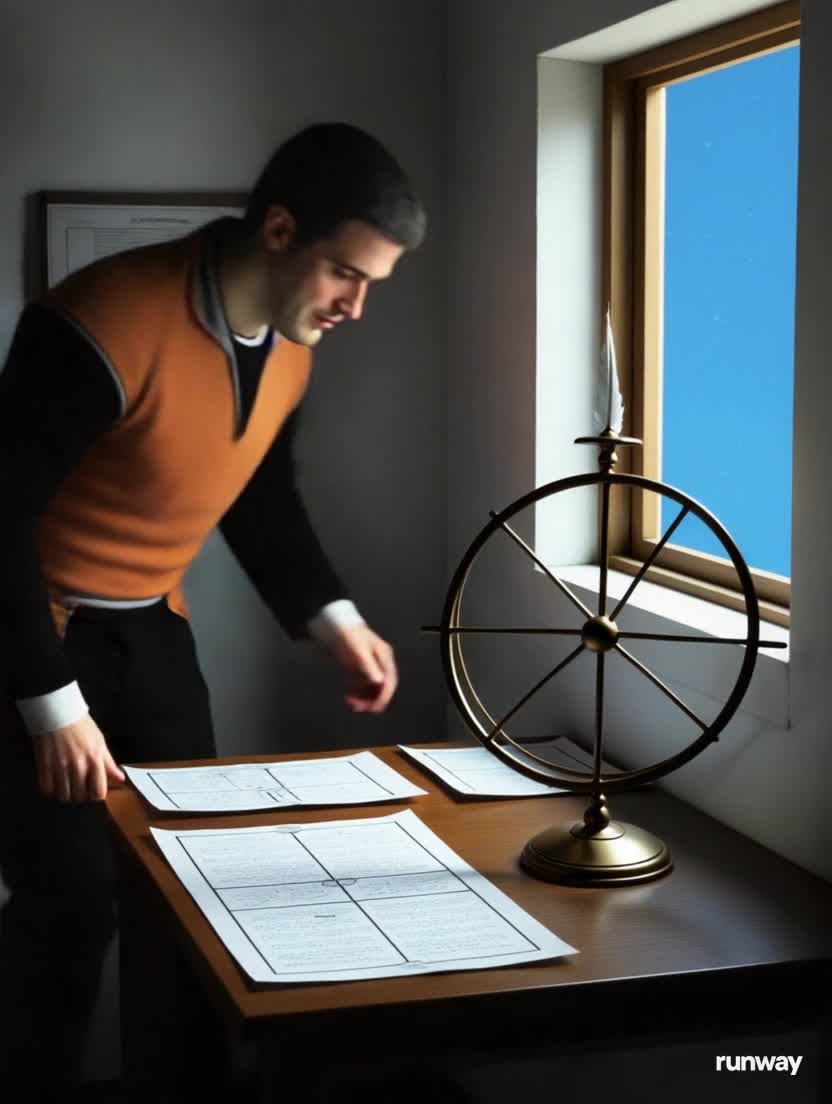
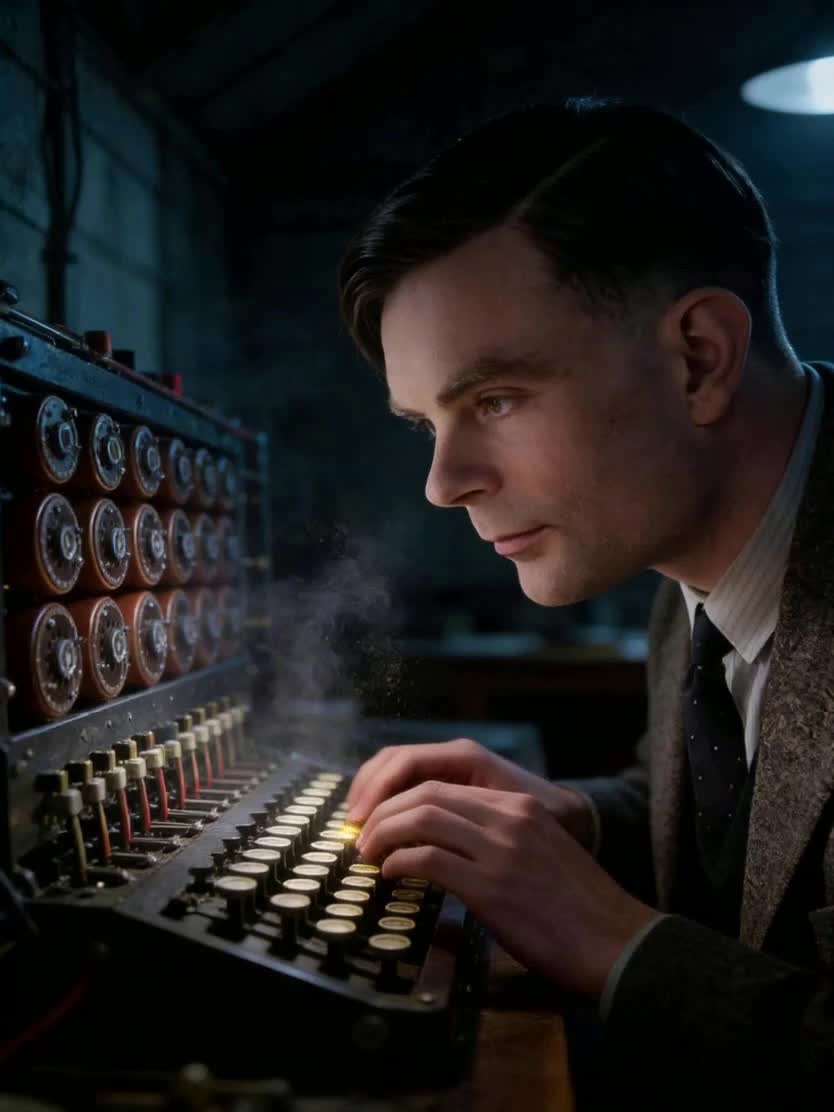
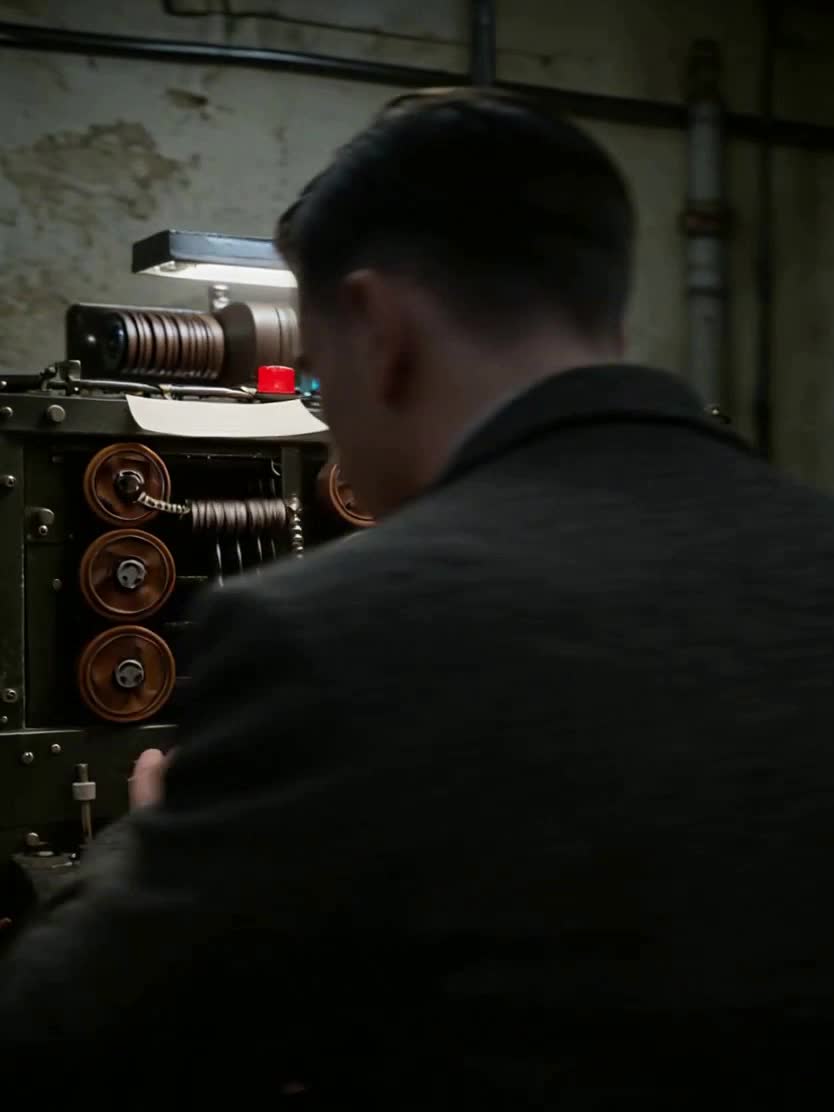

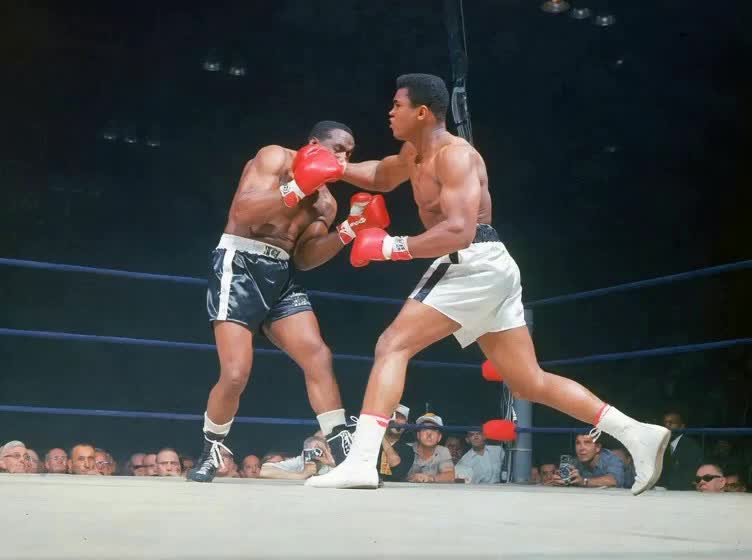
Historical figure AI face merge and cinematic video.
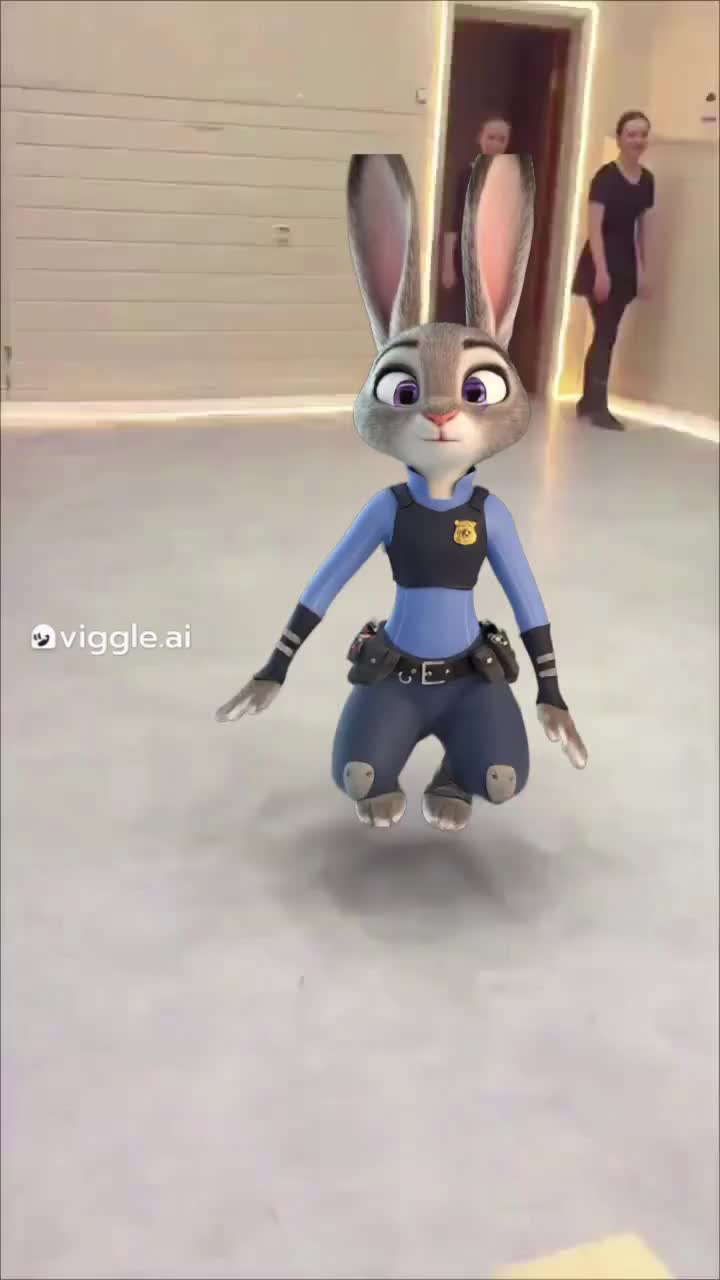
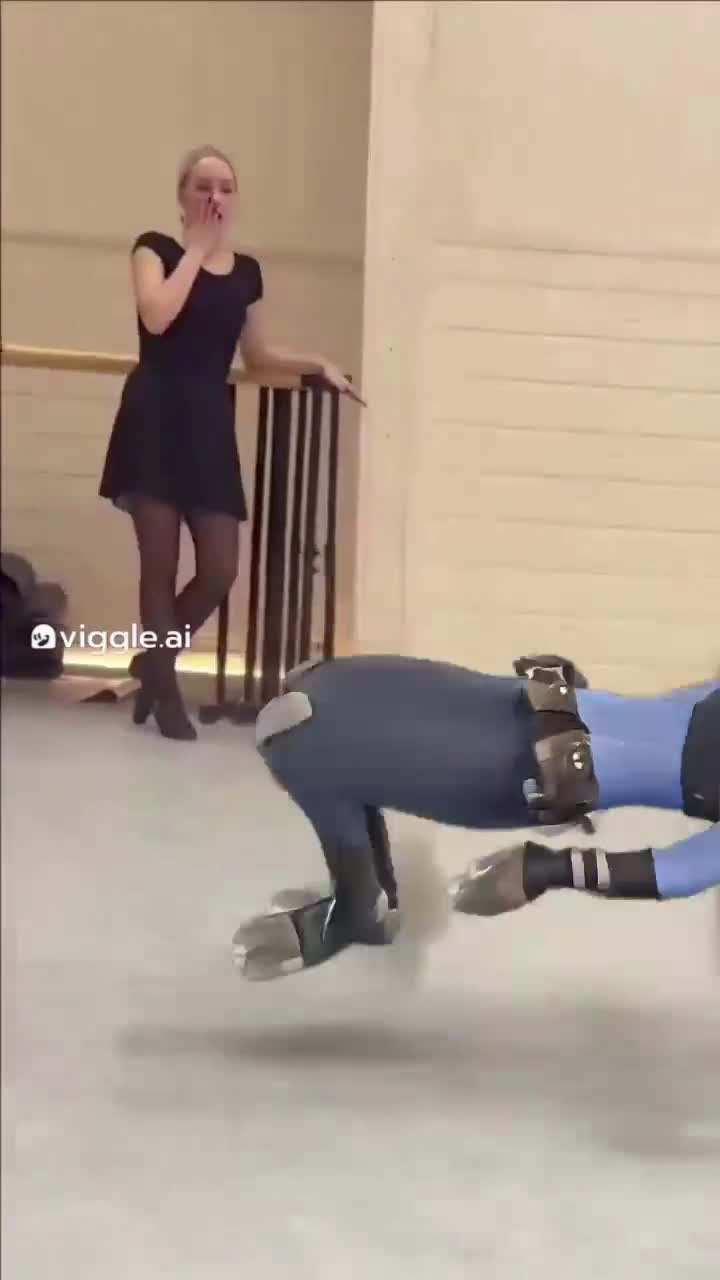

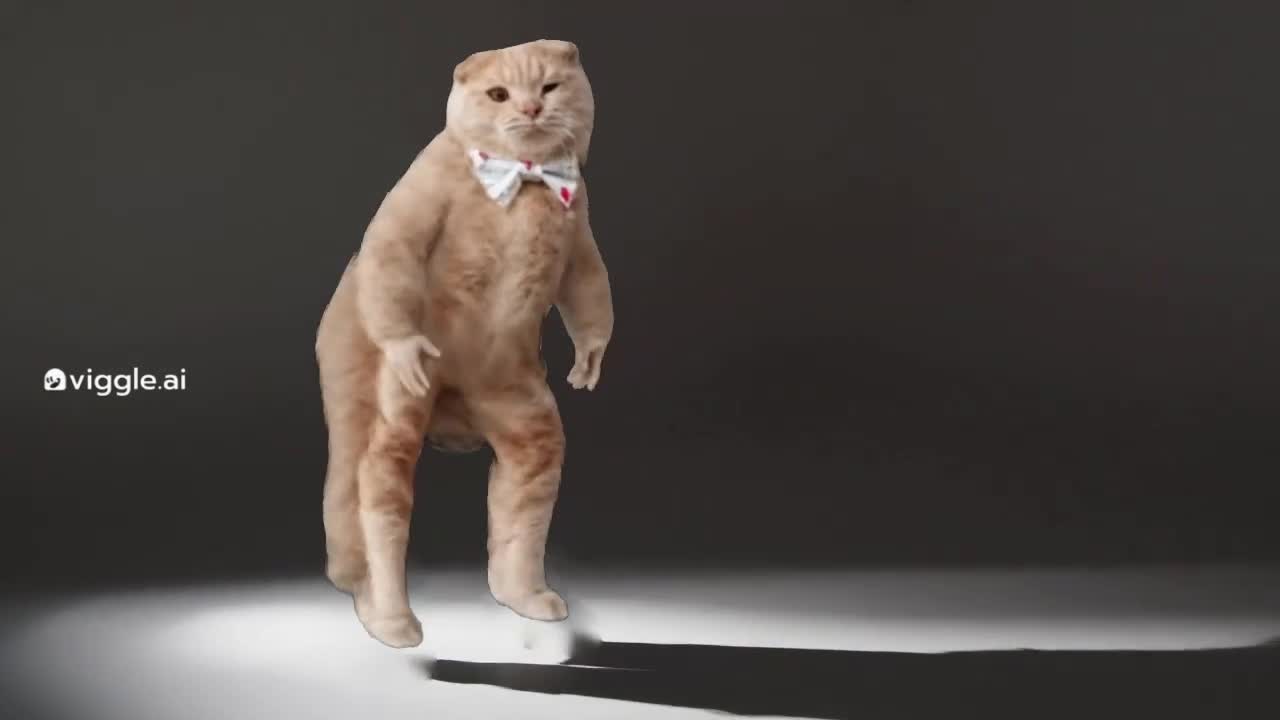
Animate a legend and build a one-page website.

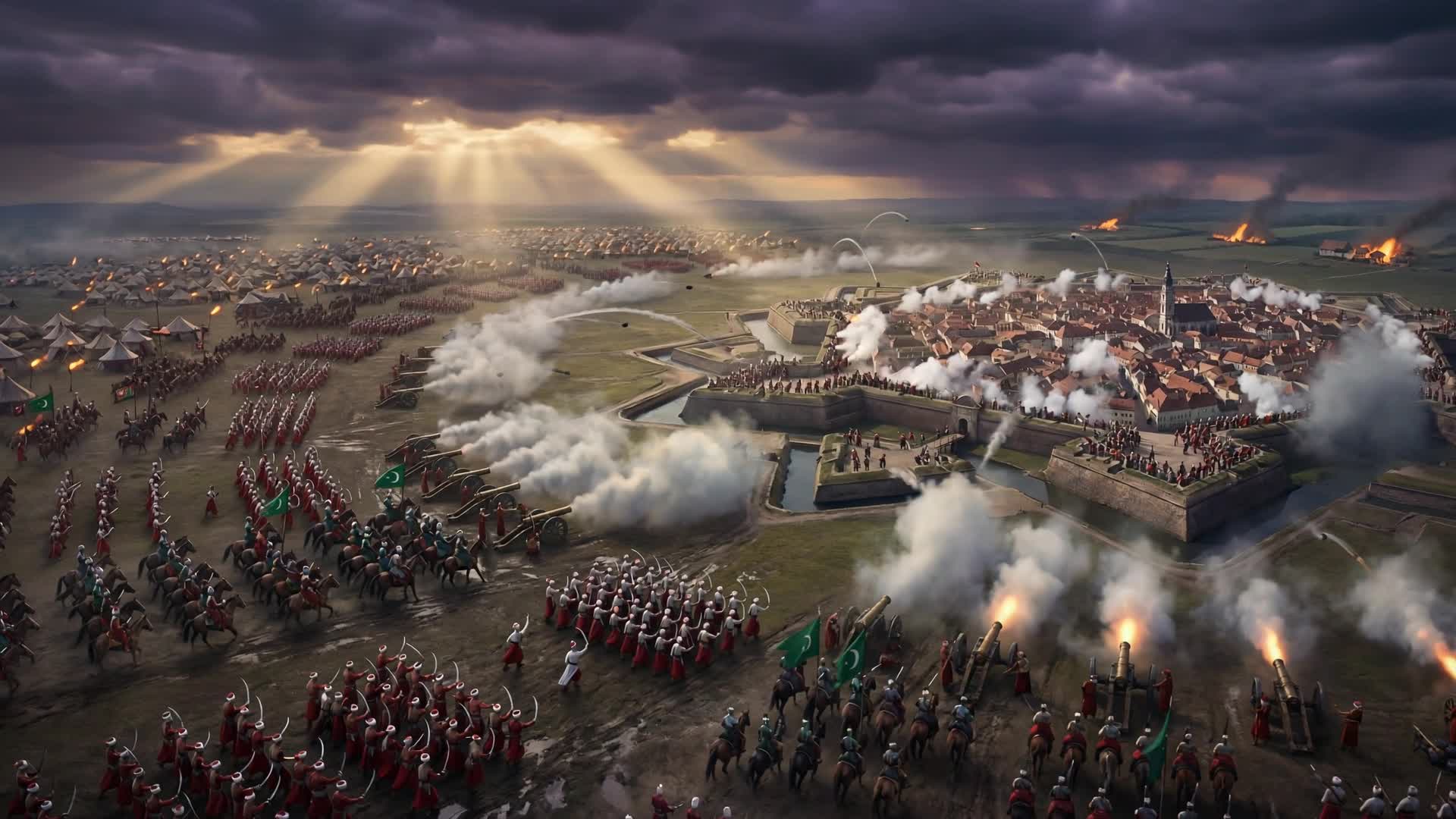




Research and publish a wildlife website.
Launch a playable 2D game with no code.
Immersive 3D environment from a text prompt.
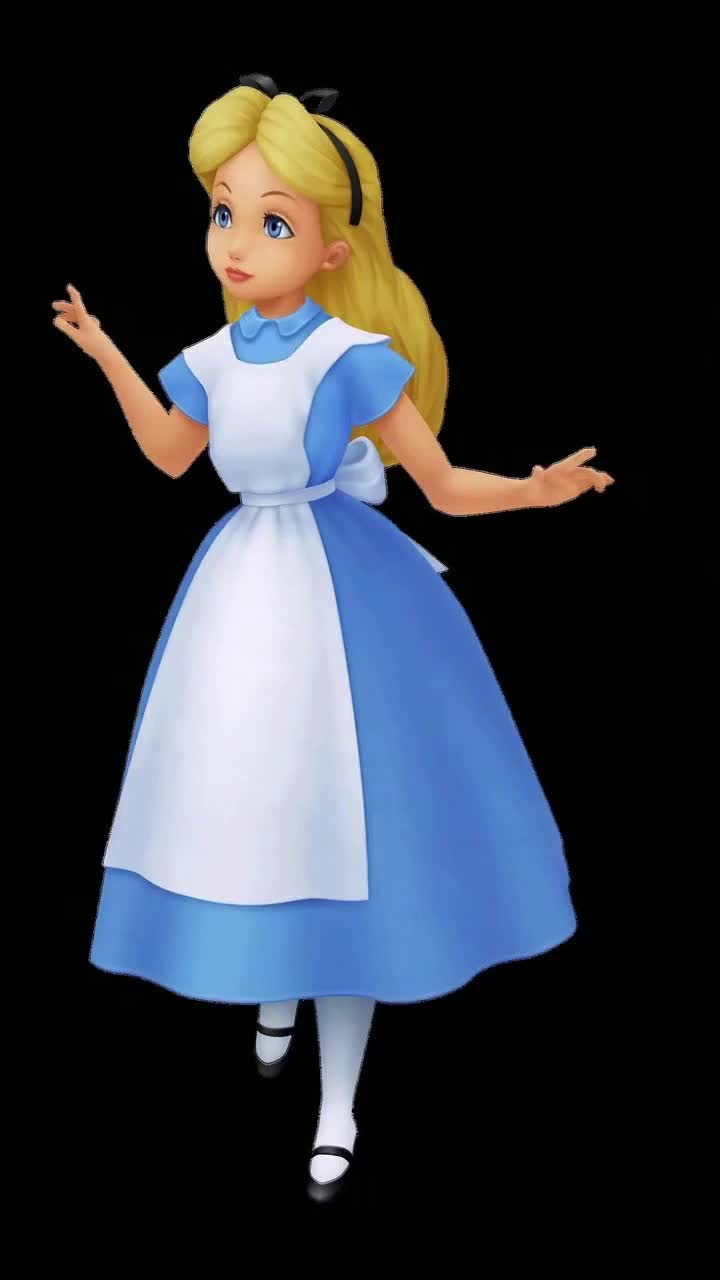
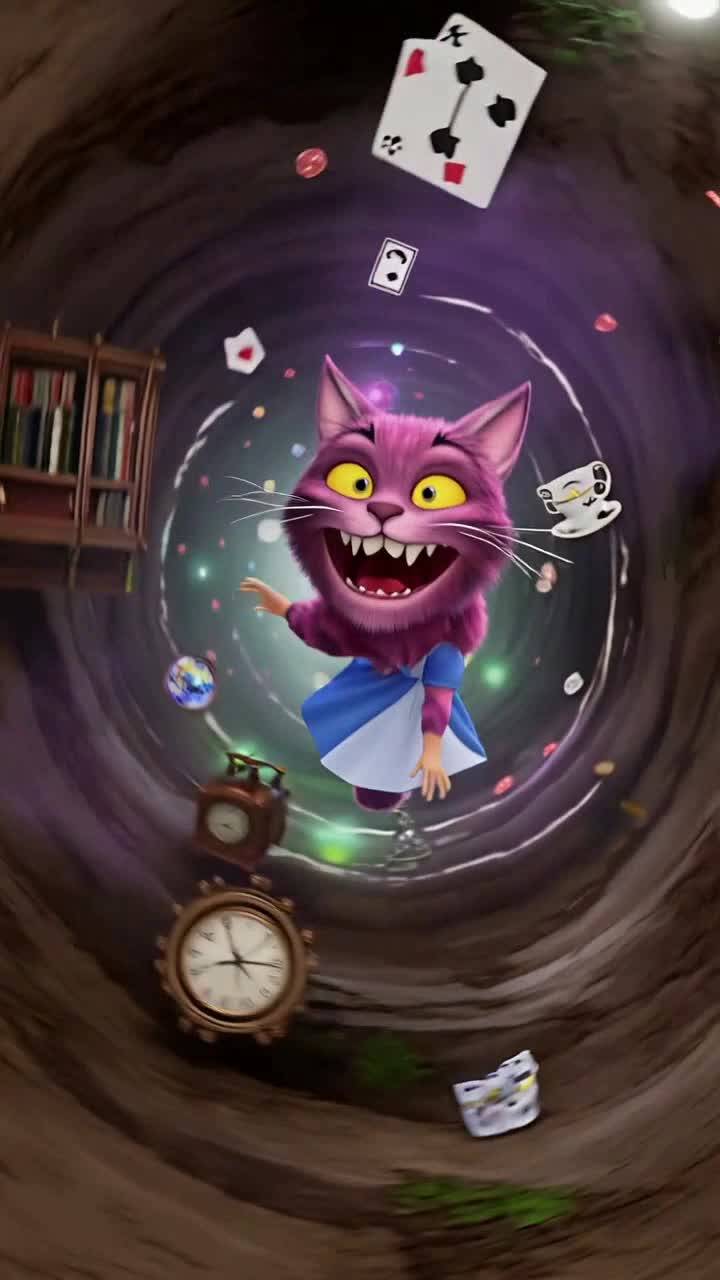

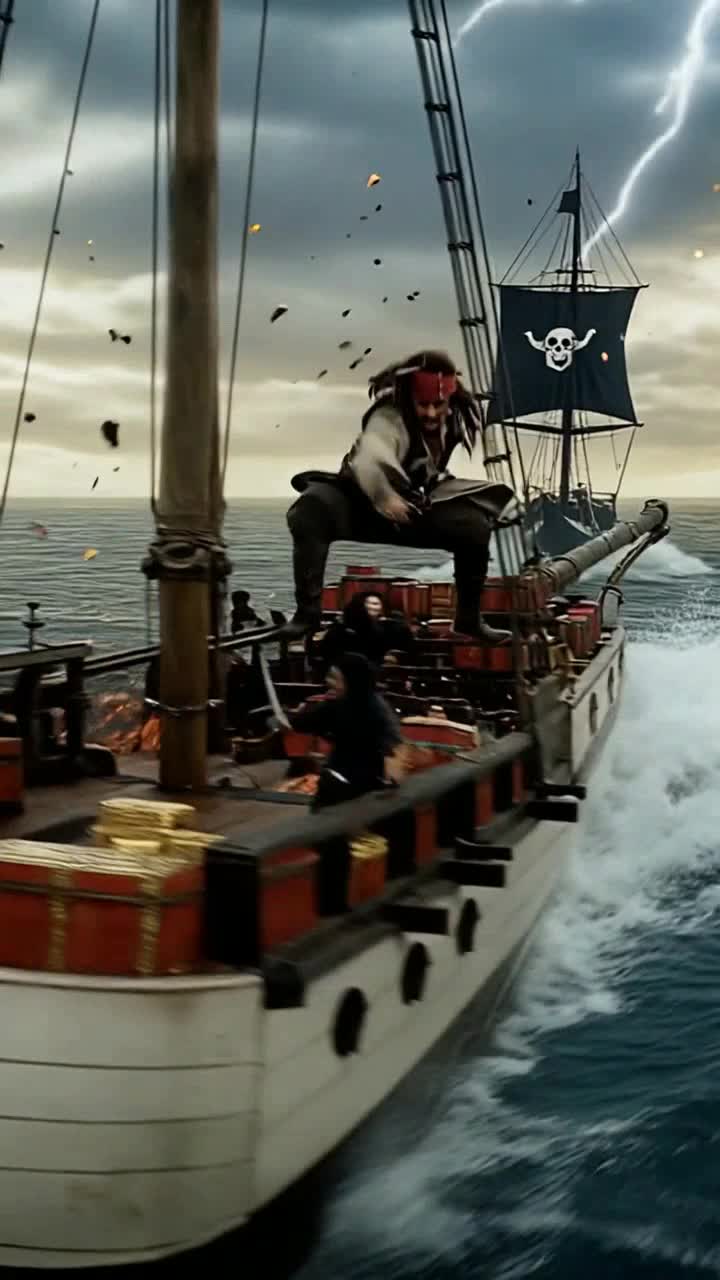
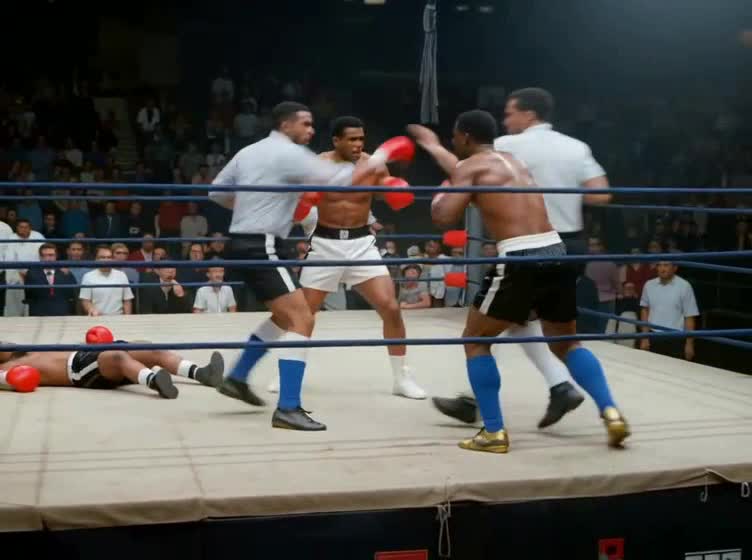
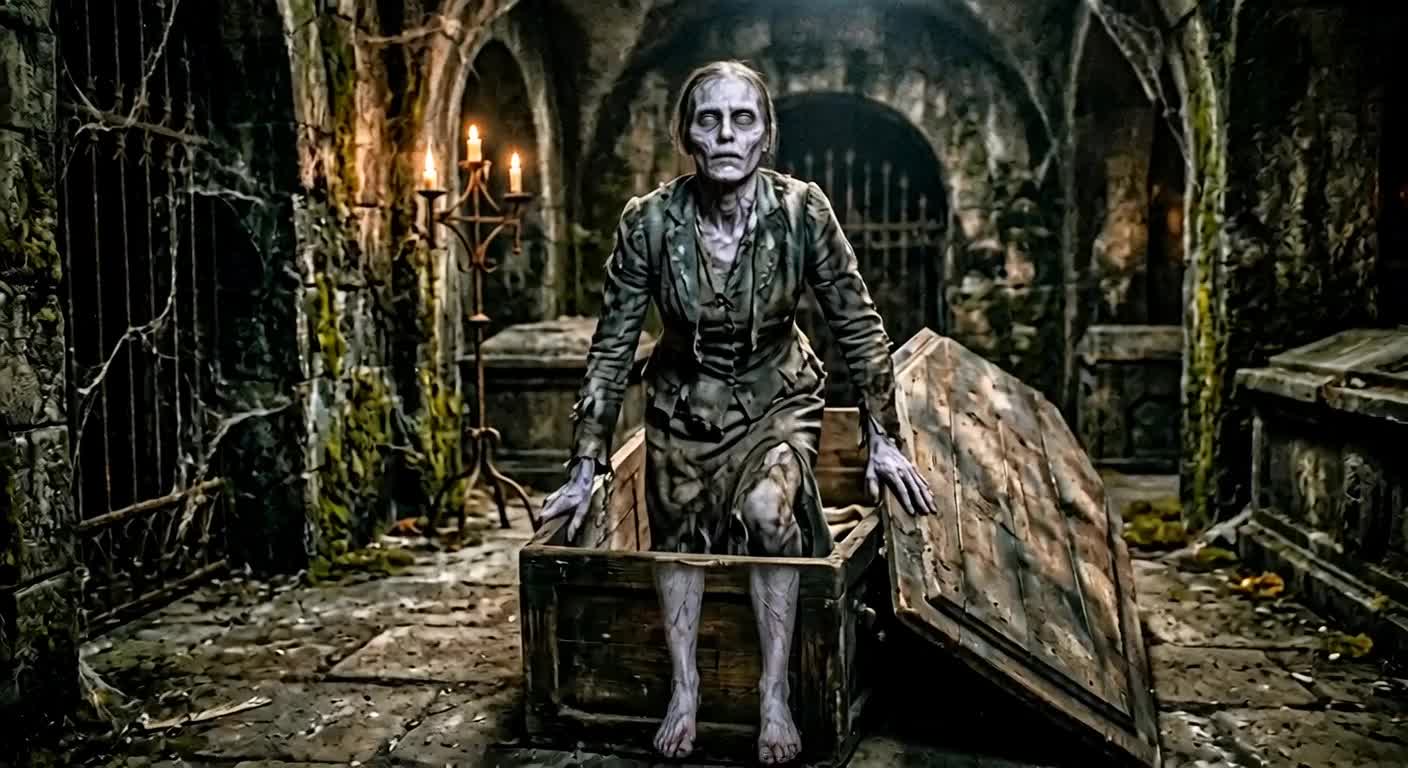
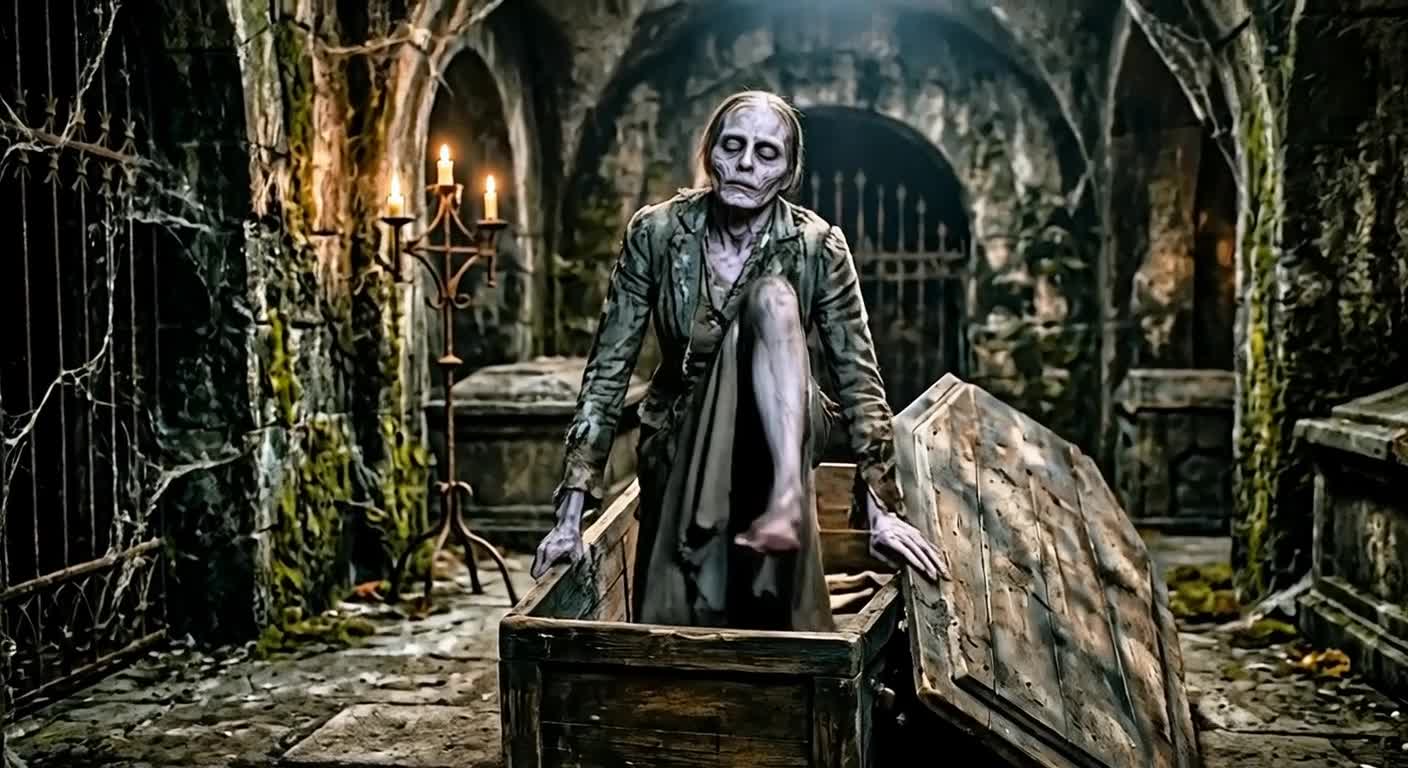
Generate a video and build a cinematic landing page.
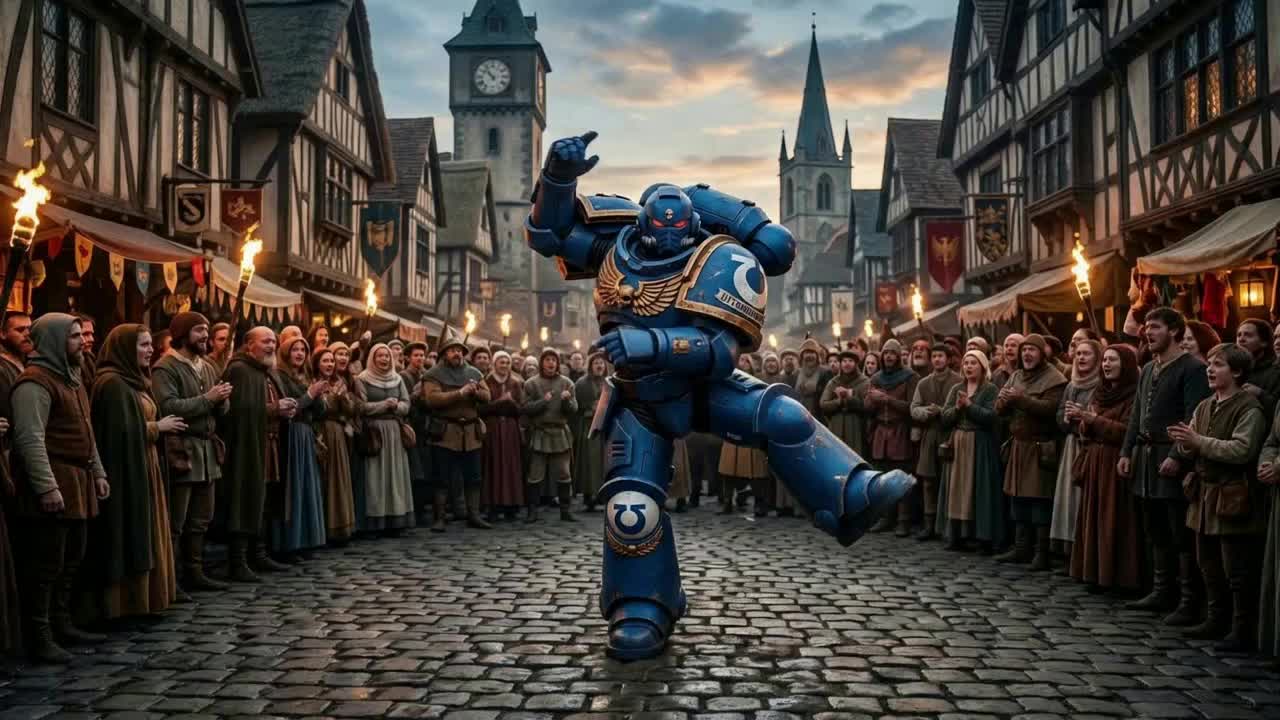
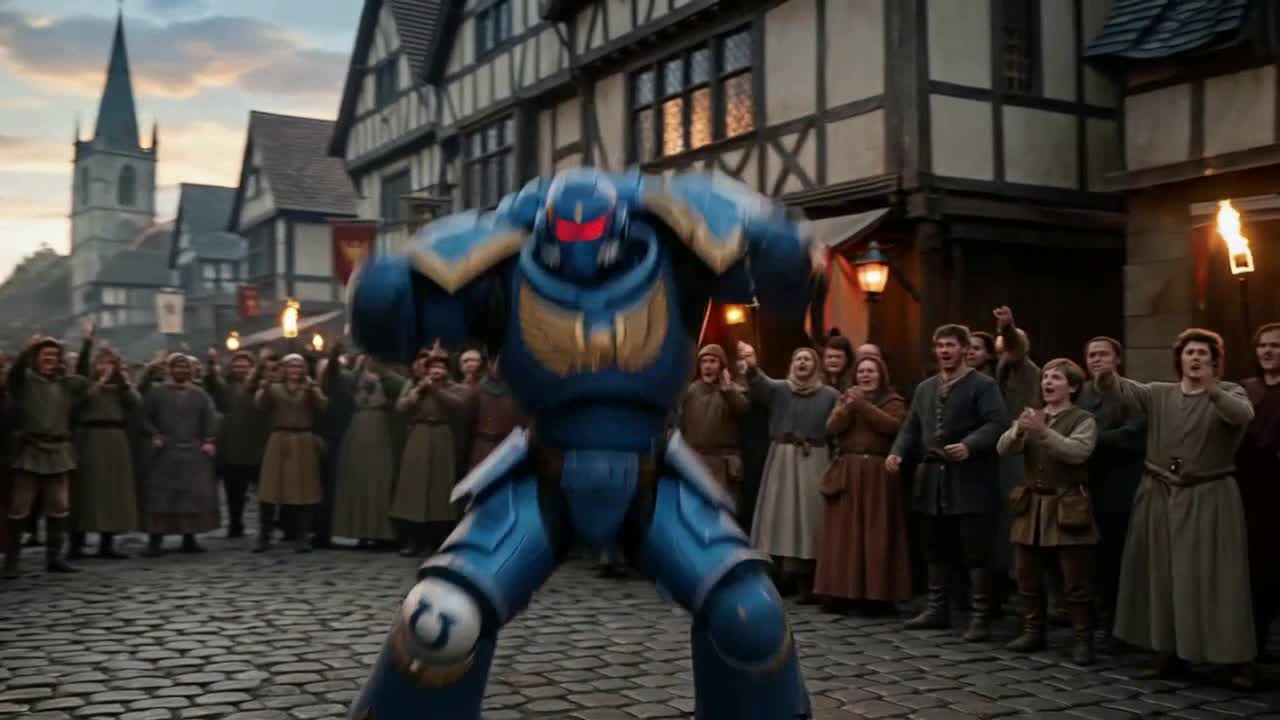




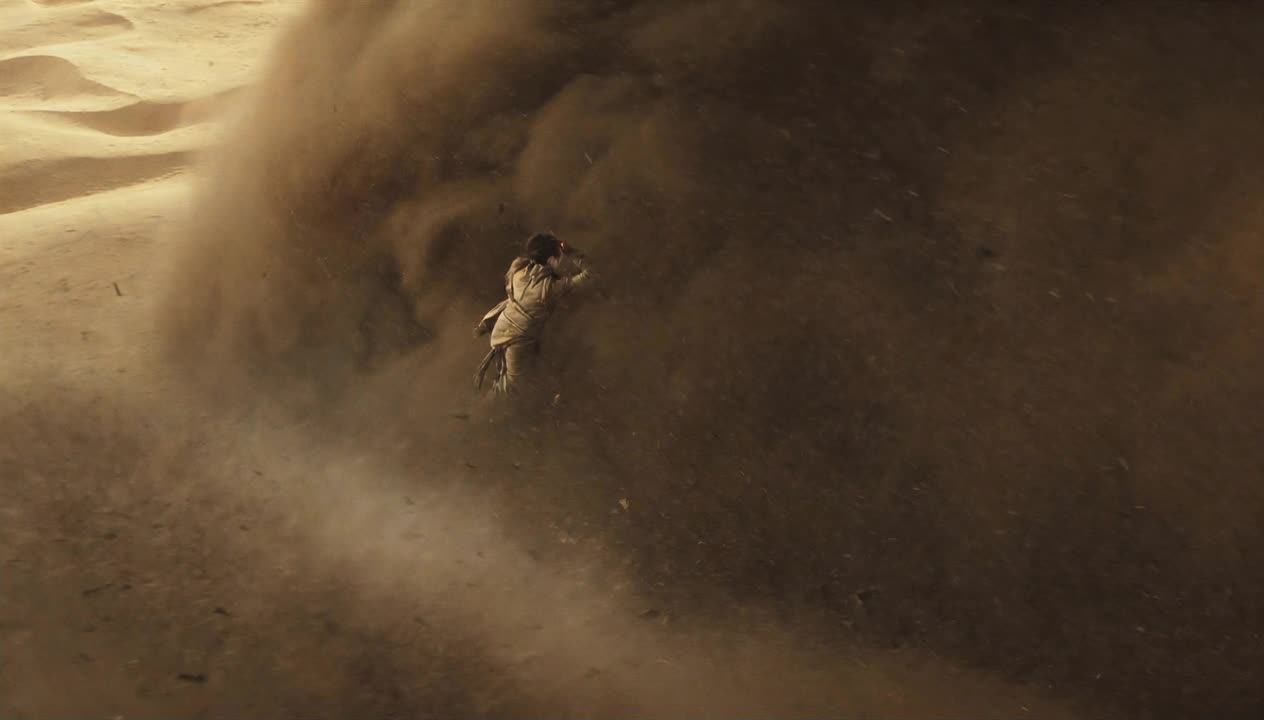
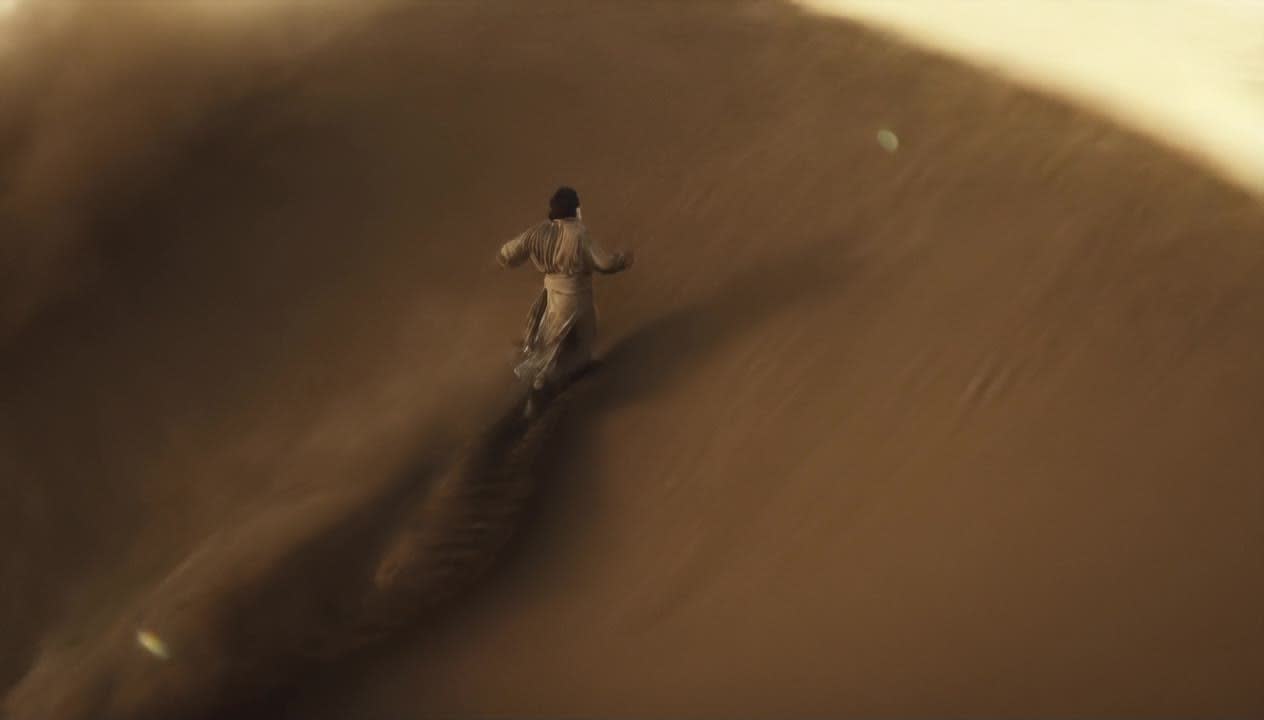
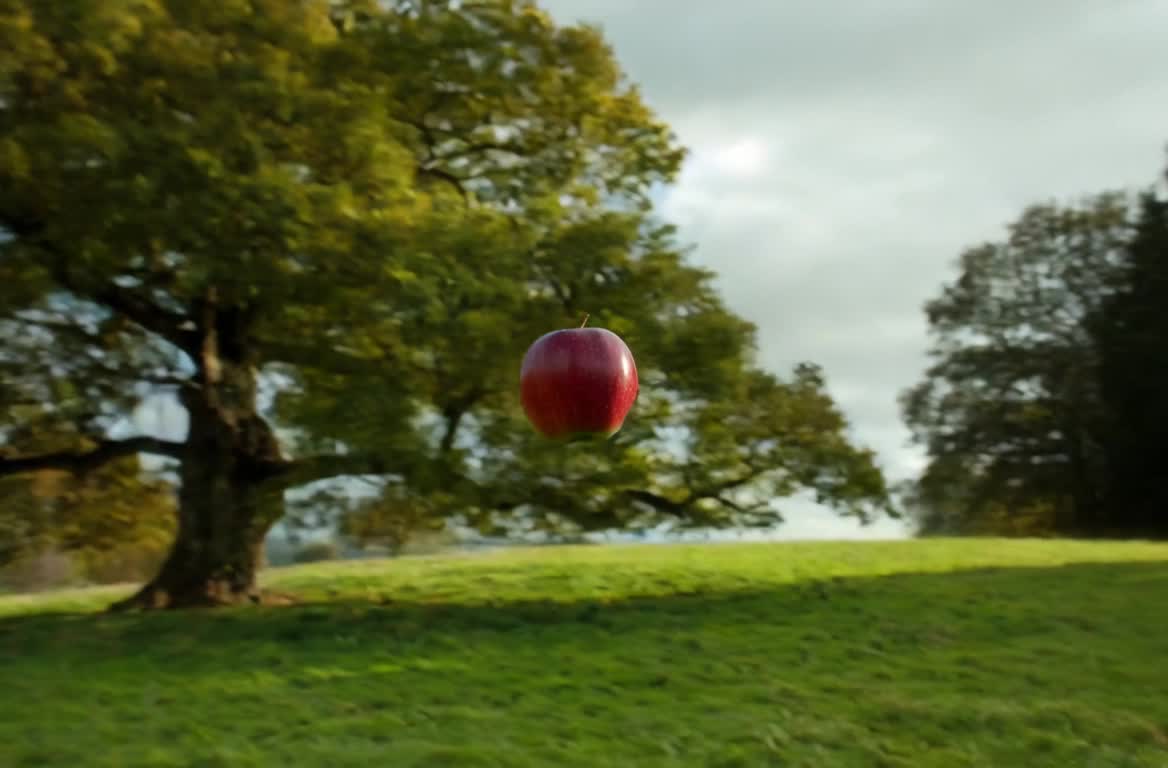
Bring any image to motion with AI.

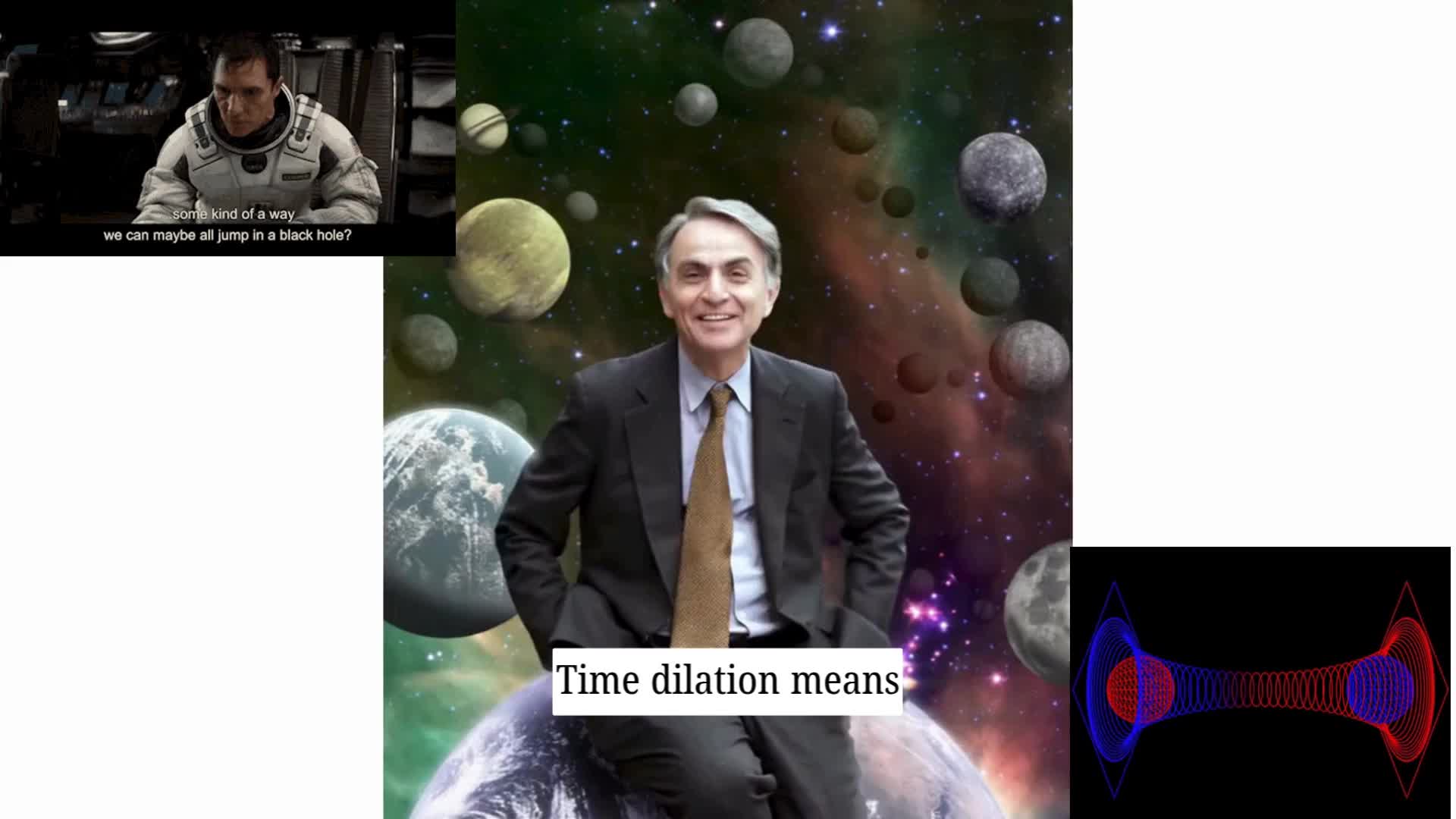
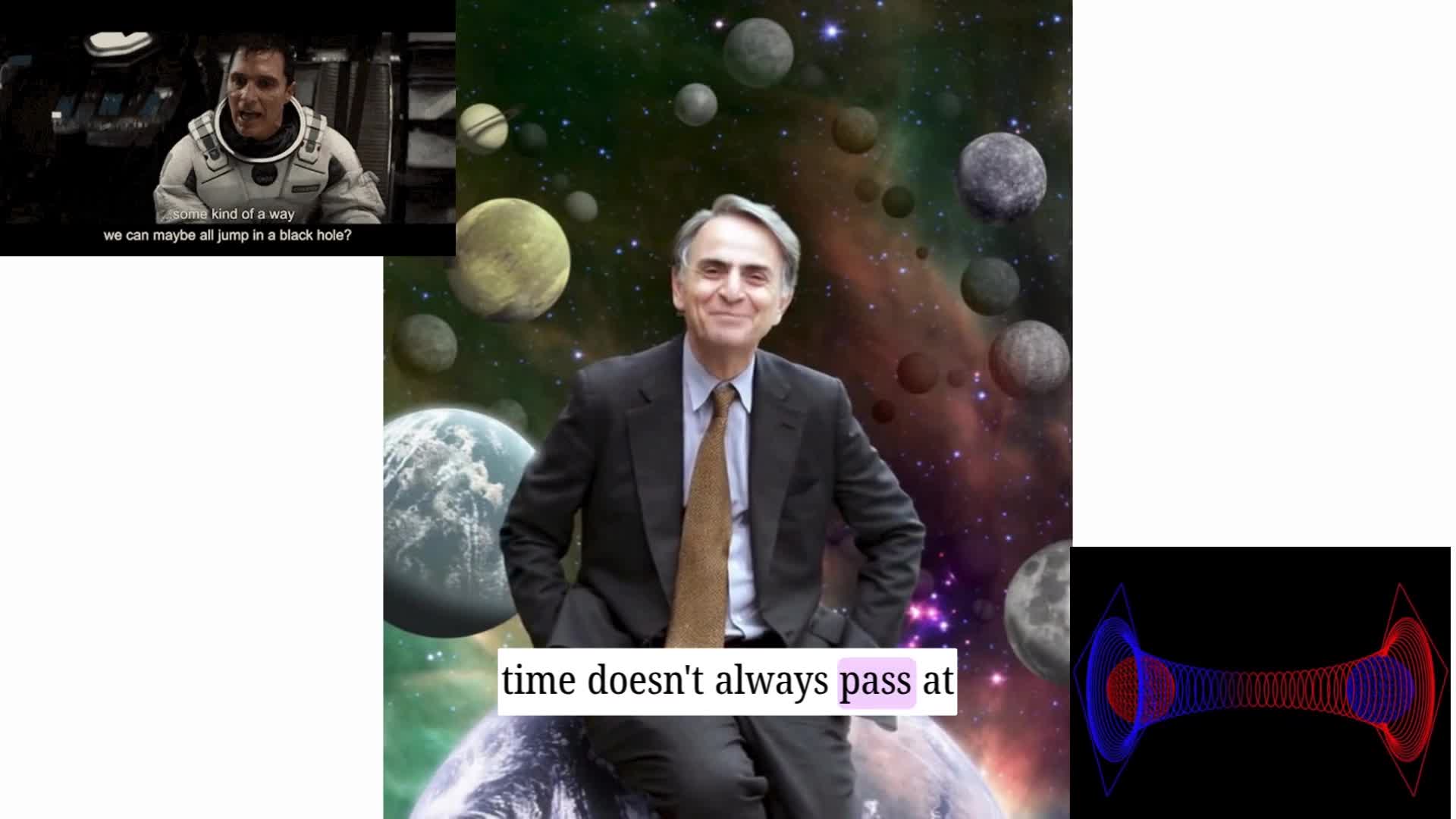
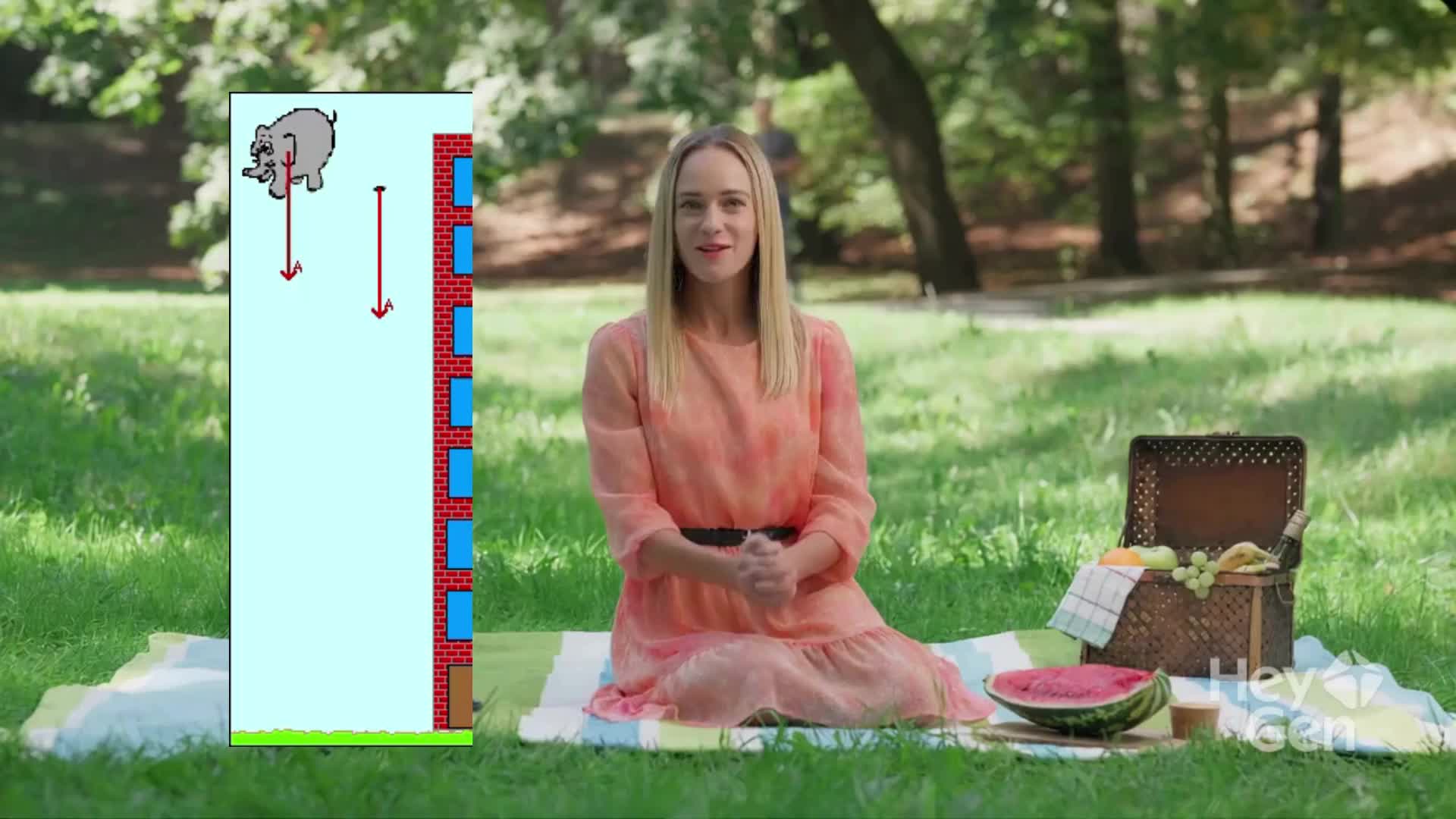
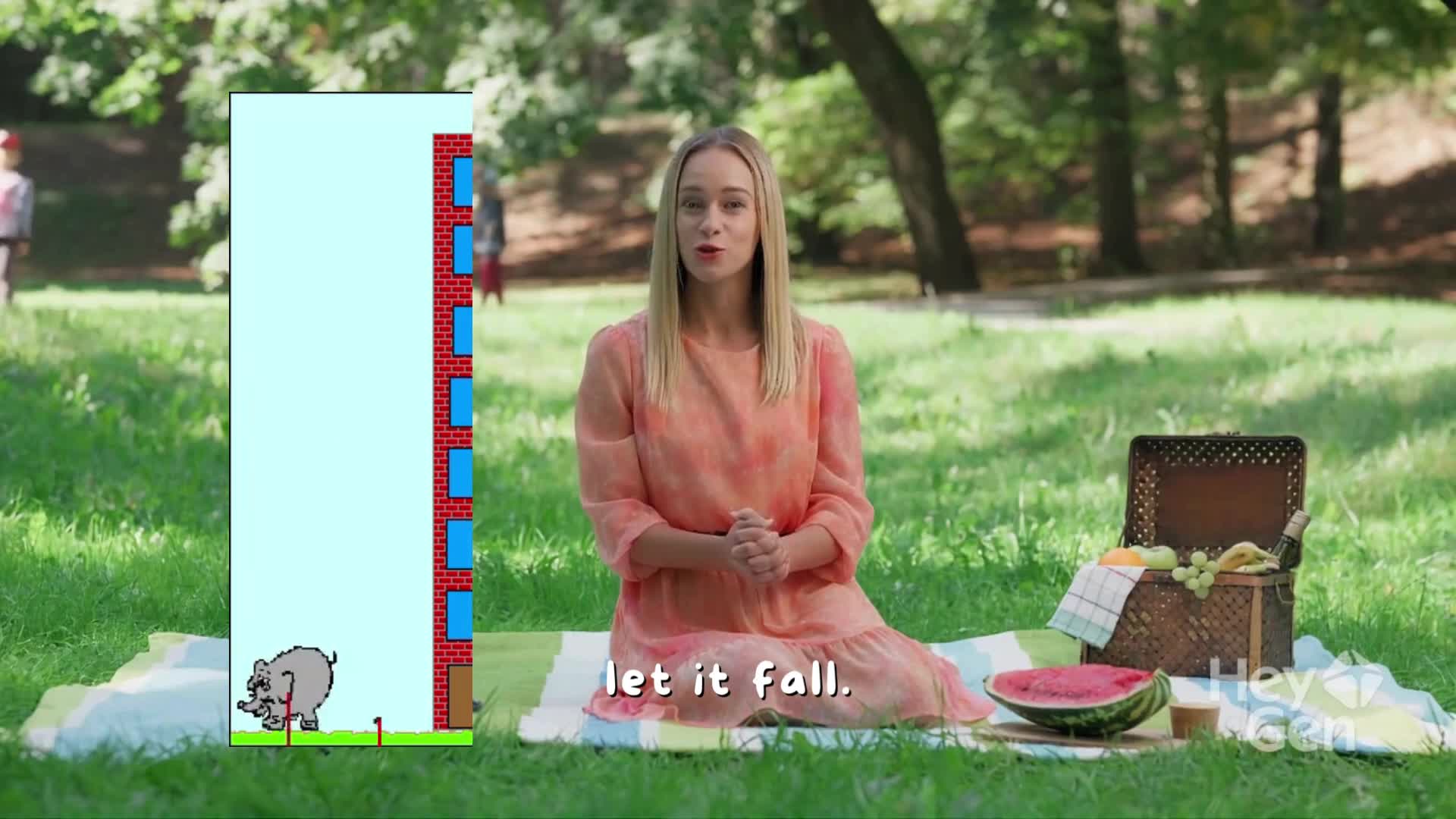
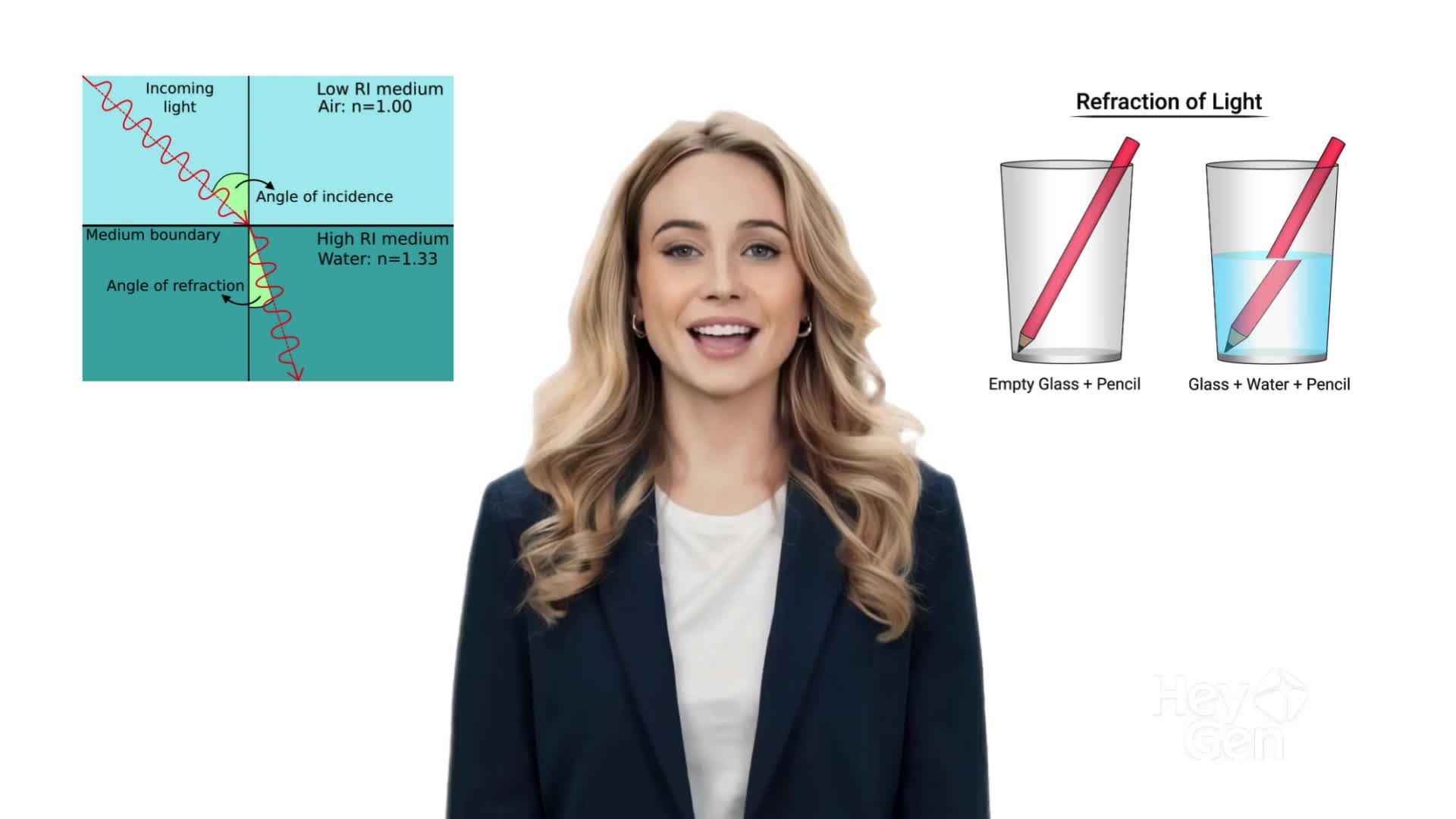
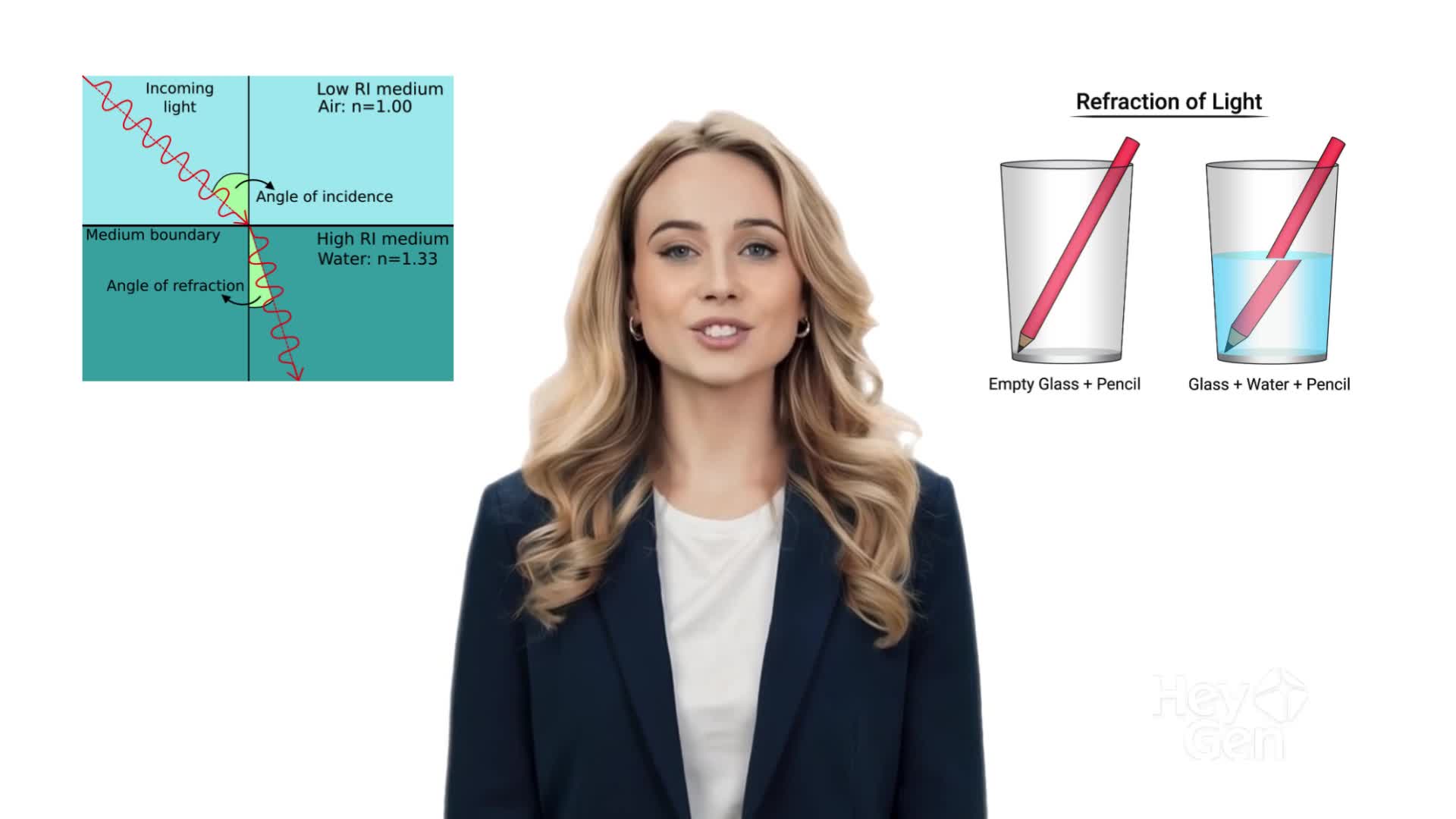
An AI avatar explaining science with animation.
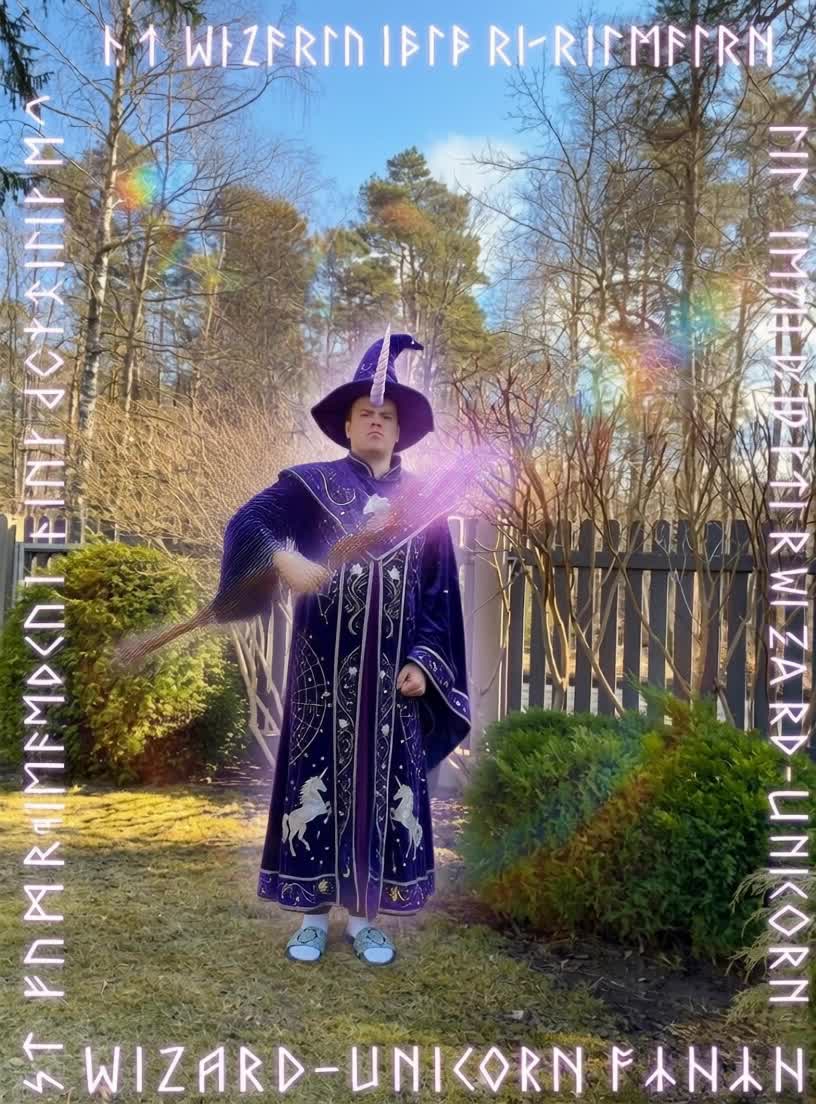
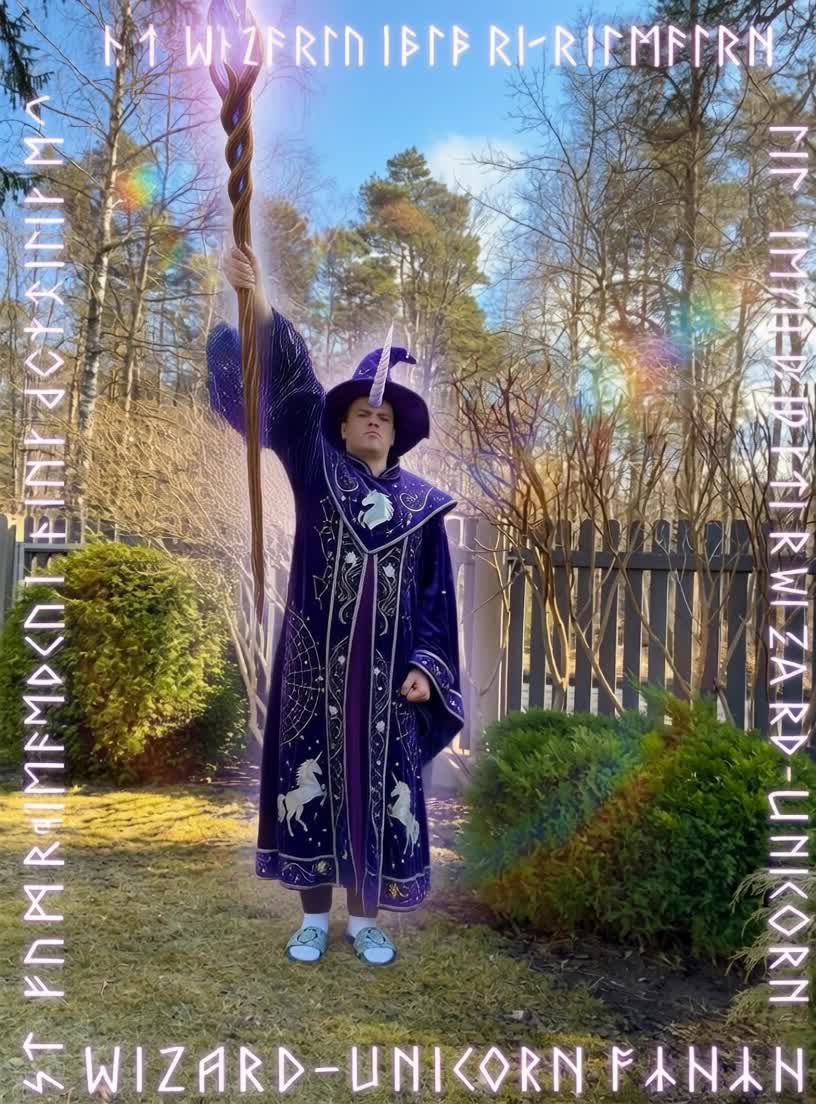
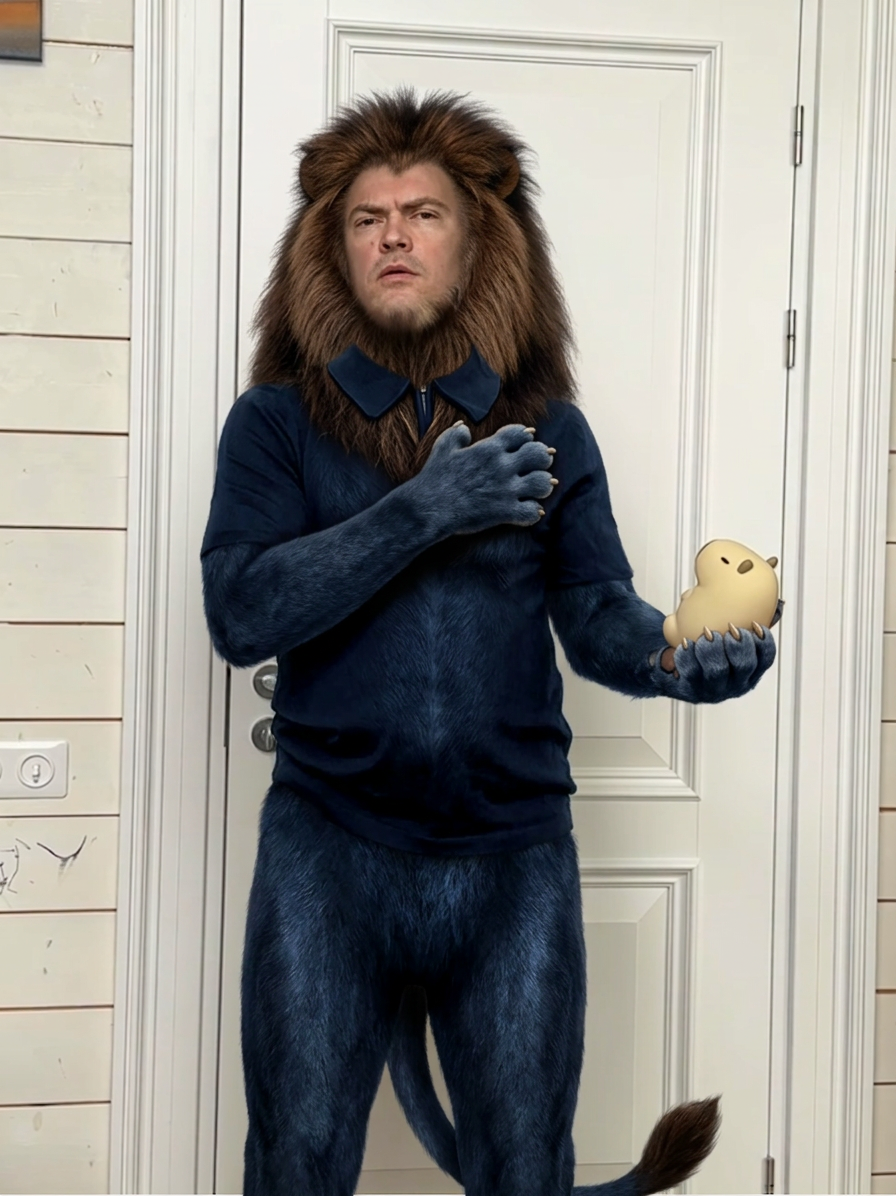
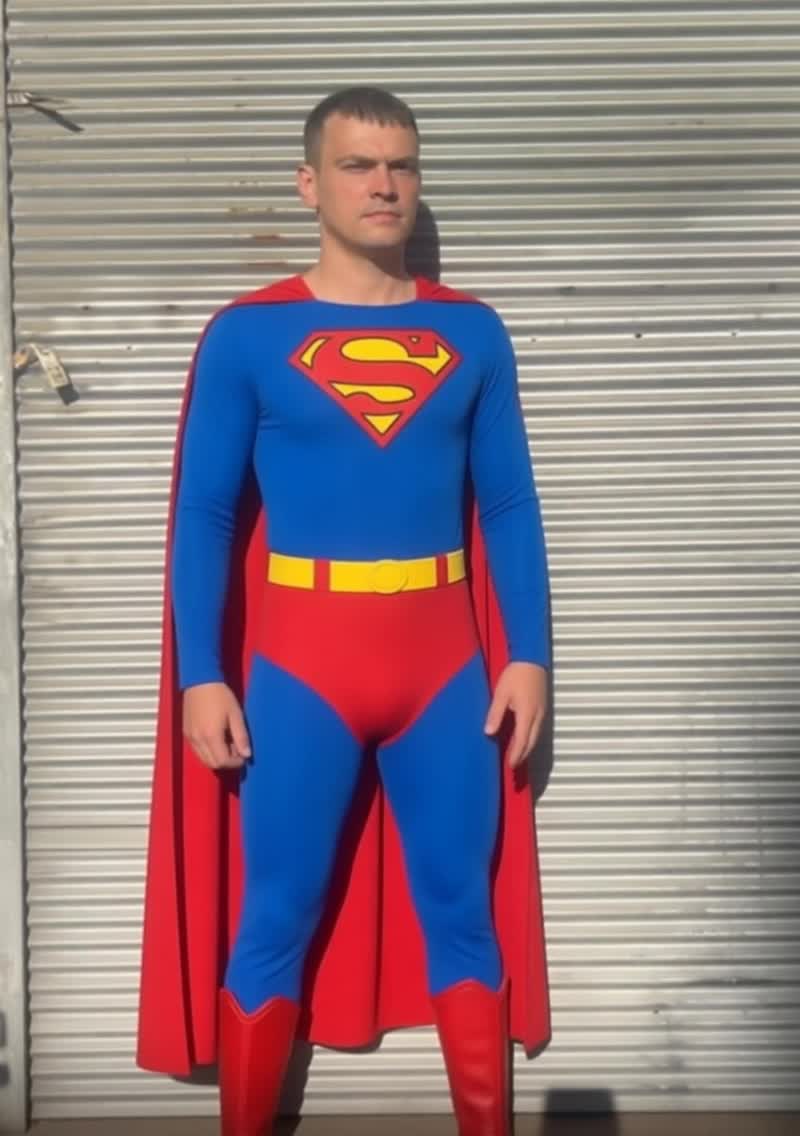
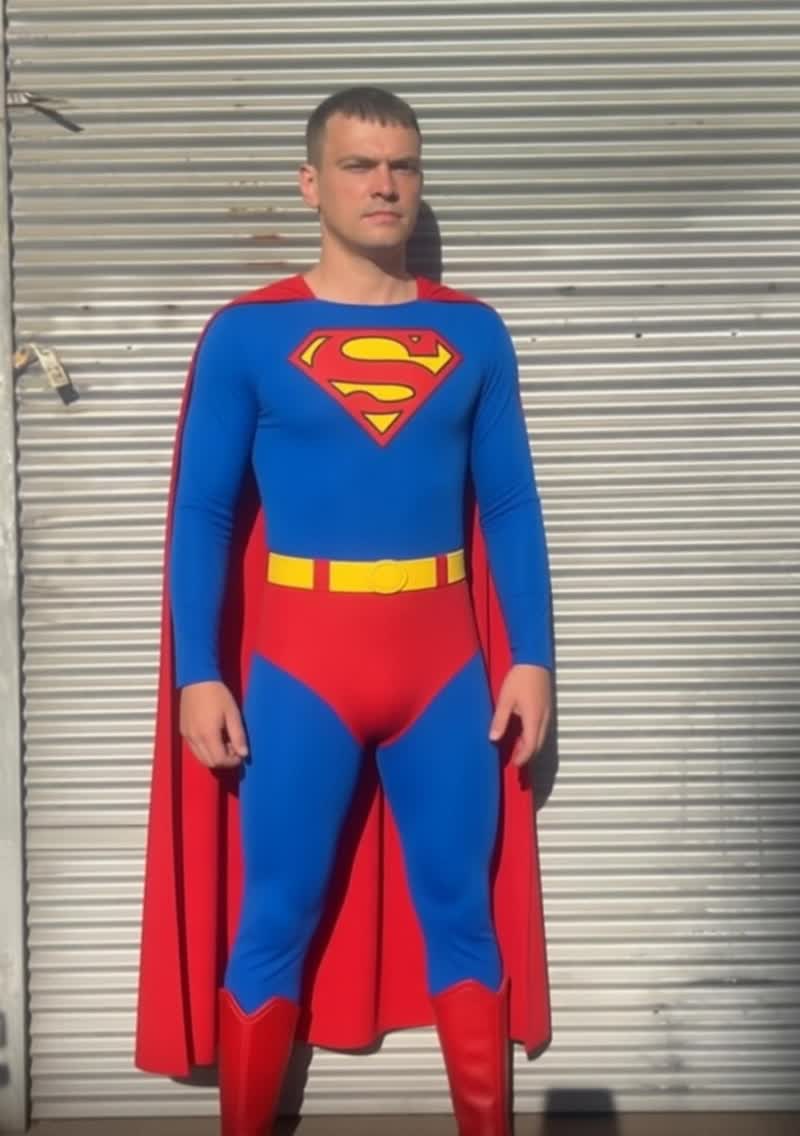
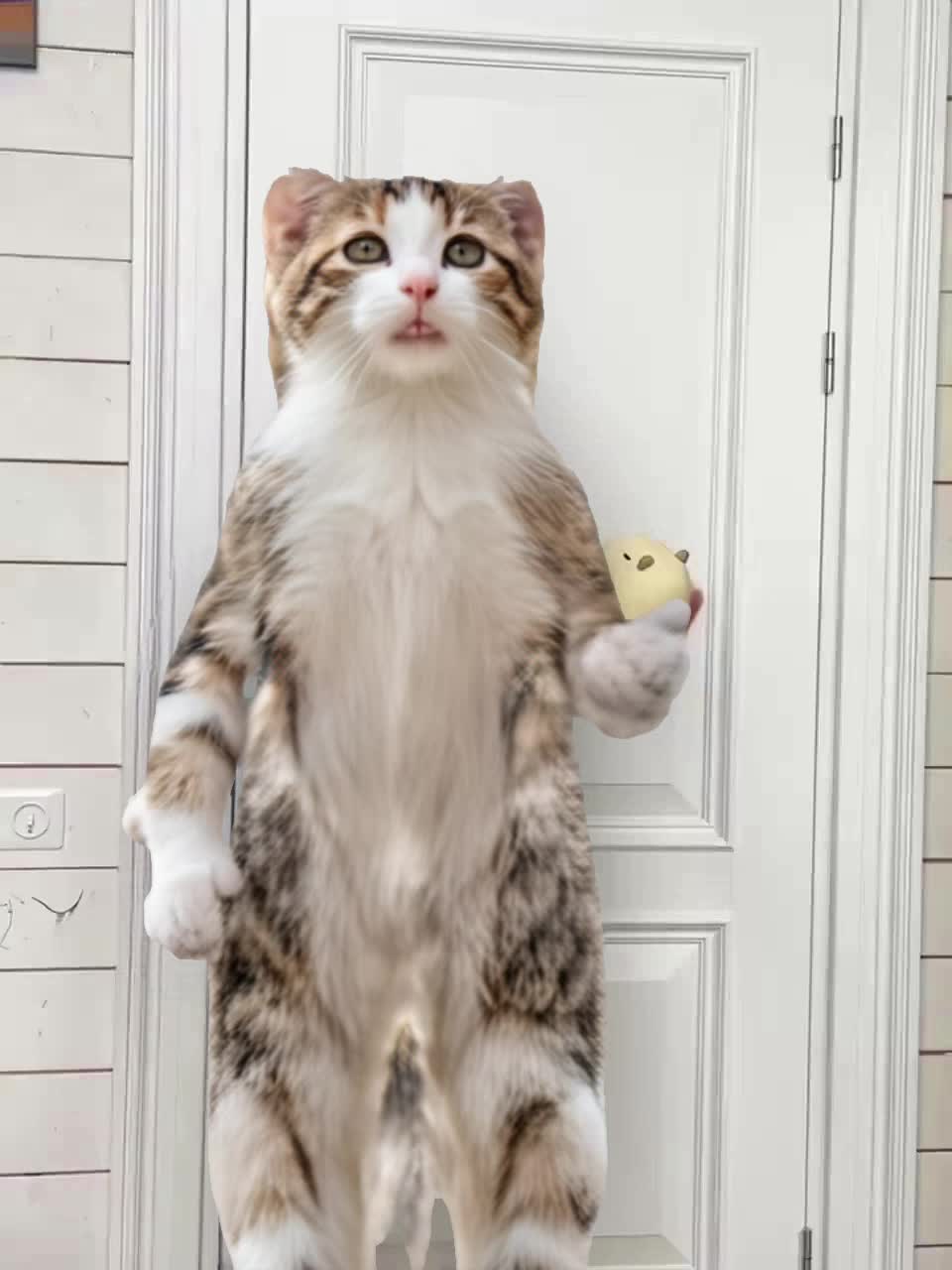
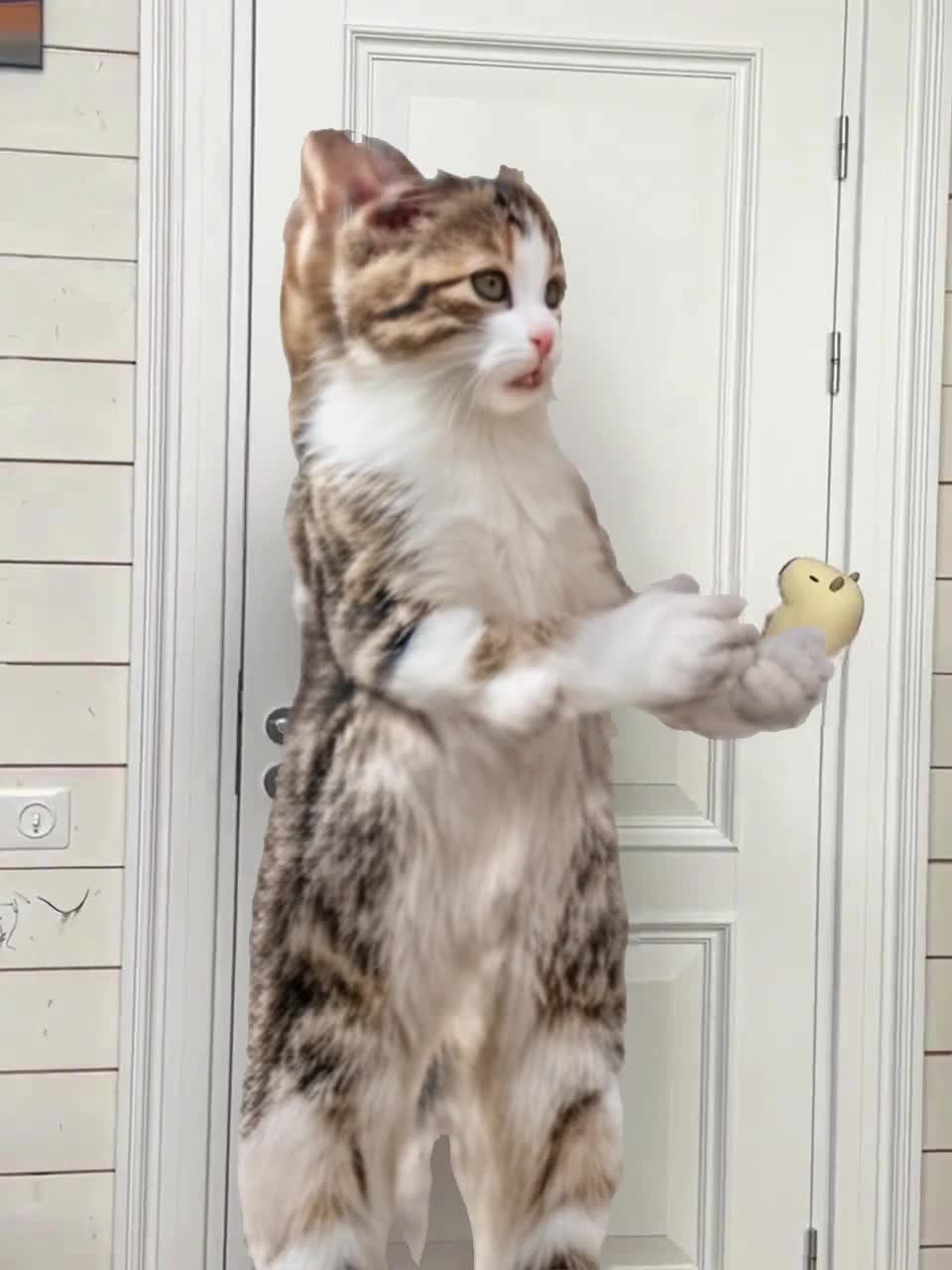
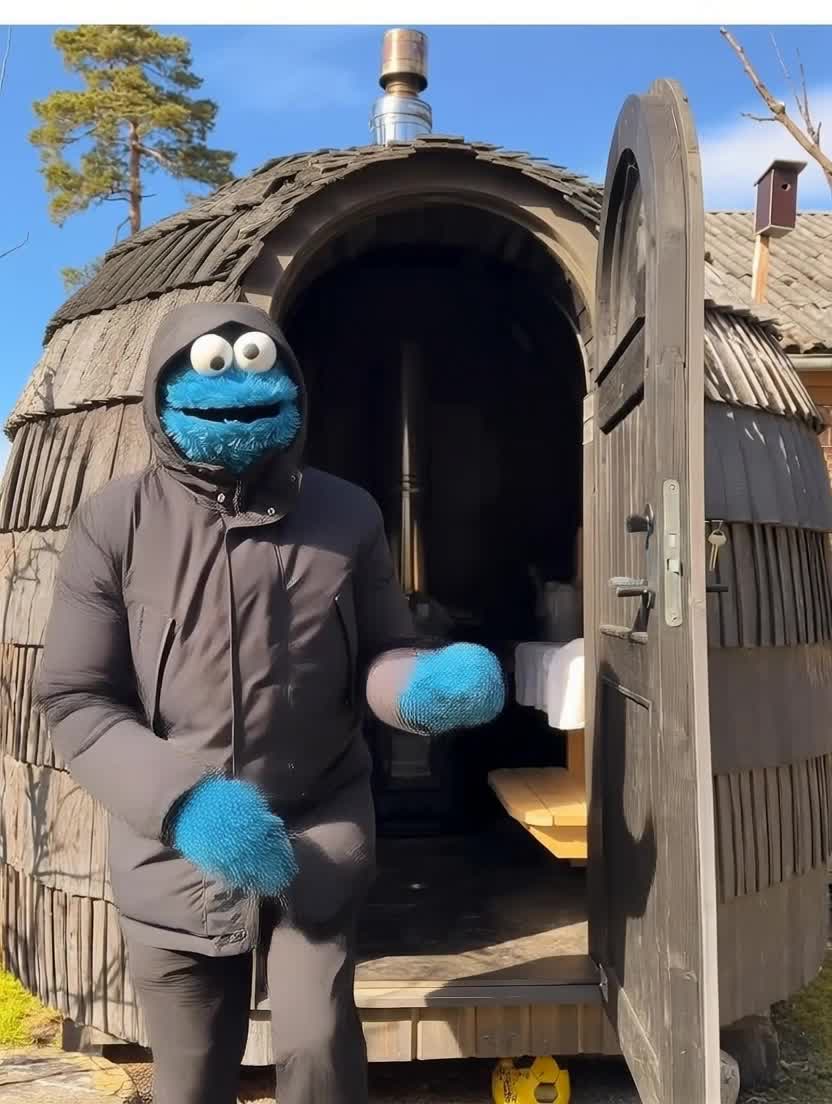
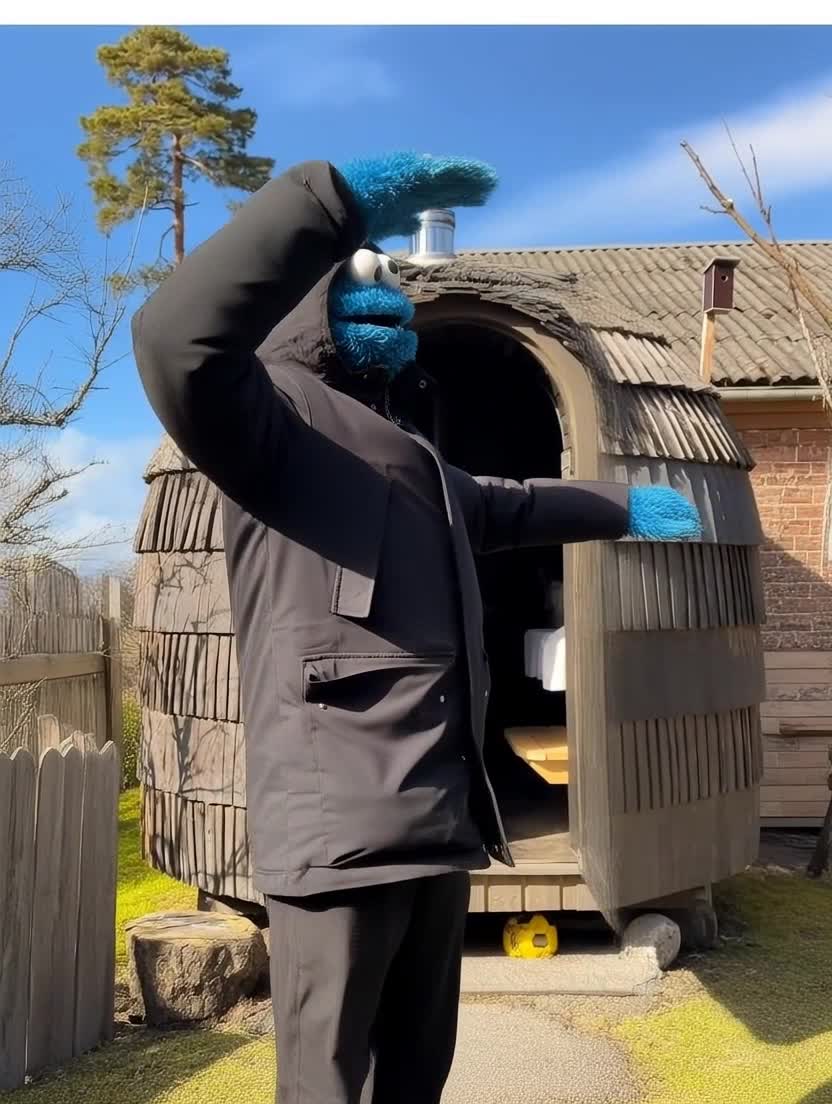
Use a video reference to create a movie scene.


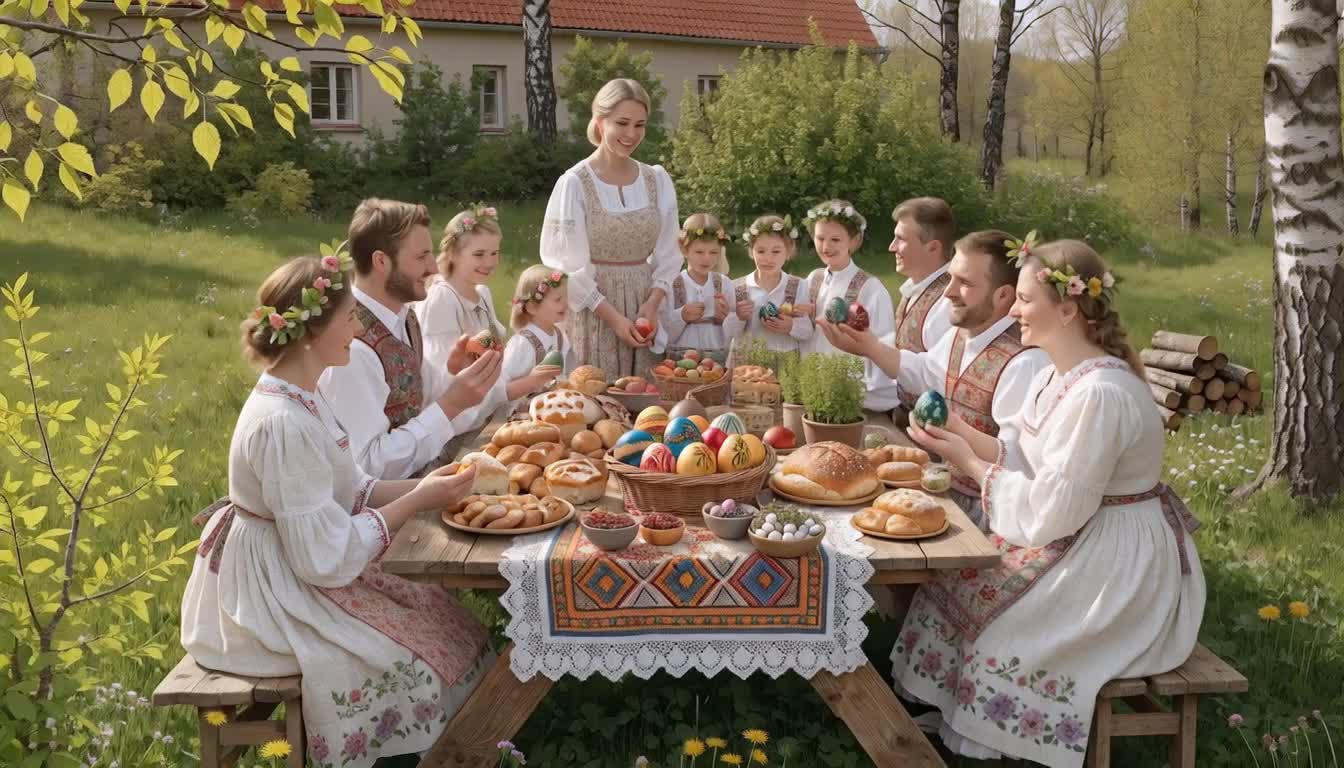
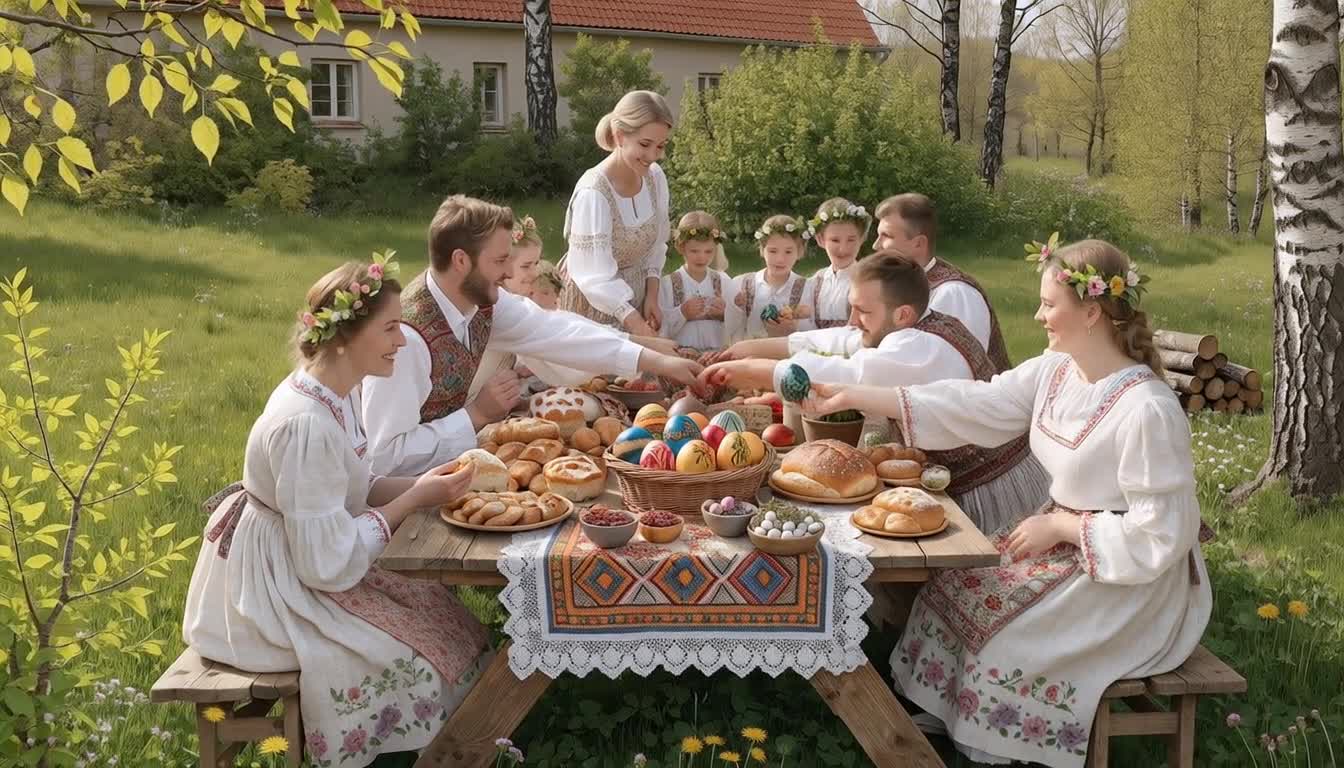




Research a topic and generate a business website.
Present your best work, receive feedback, and celebrate.
Students don't use toy editors. They learn the same studio stack working creators use today.
Three concrete results. A portfolio piece, a workflow, and a new way of thinking.
Each student deploys a live, fully functional digital product. A real link they can share with friends, family, and a future employer.
Students walk away with a working personal AI workflow. Managing schoolwork, hobbies, and side projects at a completely different speed.
Students complete 12 real AI projects, one per lesson, and walk away with a portfolio they can actually show.
Inside an actual session. Wireframing landing pages on the whiteboard, building with Lovable, deploying on GitHub Pages.


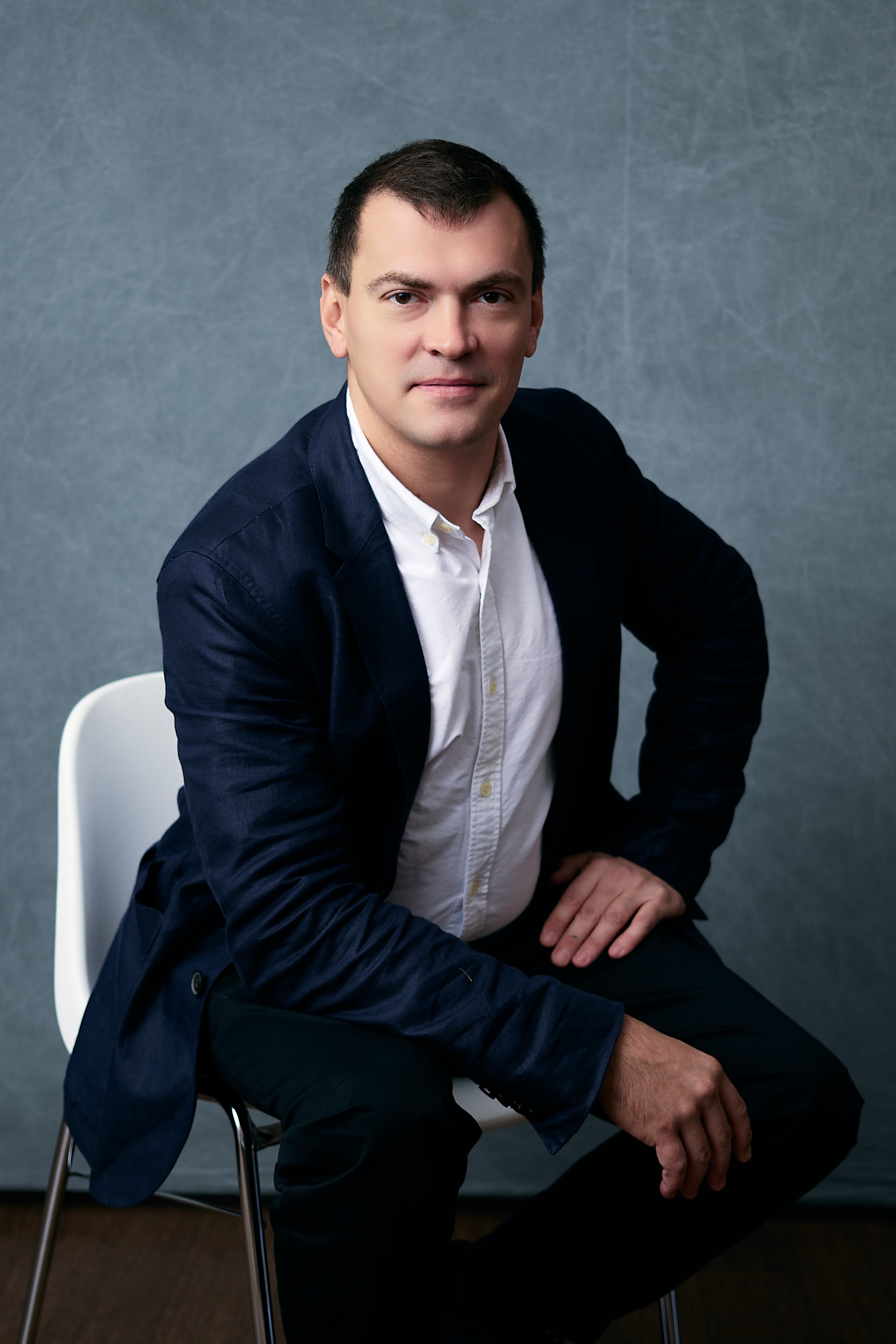
Educator · Software Developer · AI-in-education specialist. Building the studio that makes kids think like creators, not consumers.
Small groups, real projects, a live website at the end. Reach out — Oleg replies personally on any channel.